Record Donation Page
The Record Donation page records general donations as cash donations or specific donation items.
To get to the Record Donations page from the main event dashboard, click through Donations Other Donations.
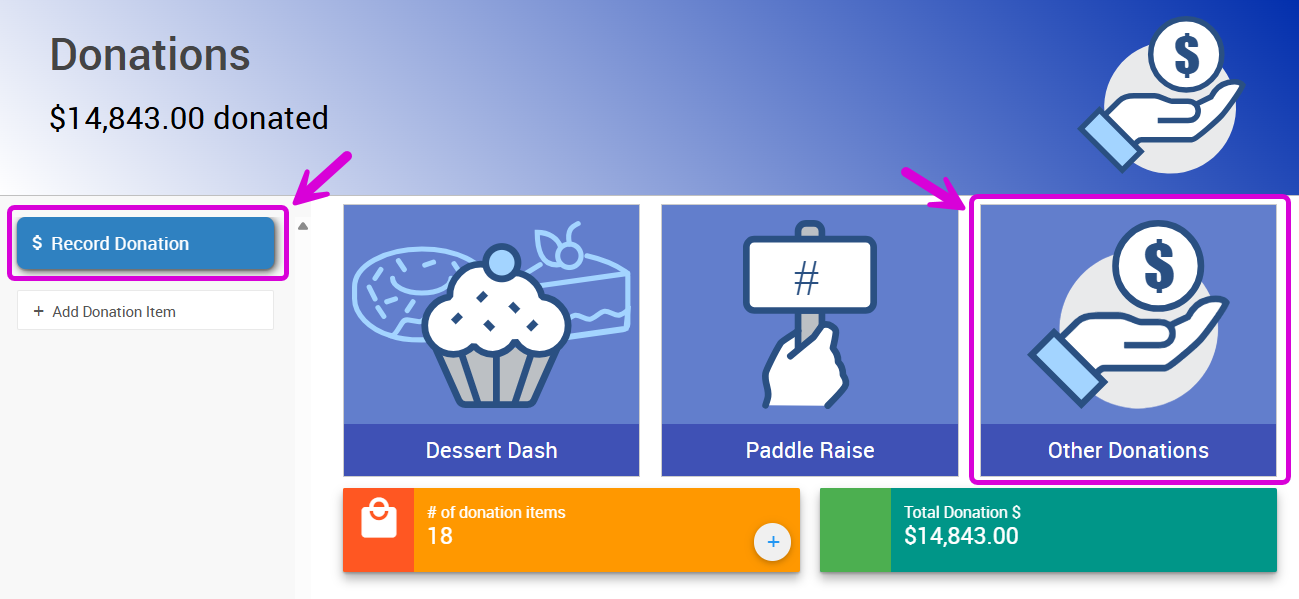
This will open the Record Donation page.
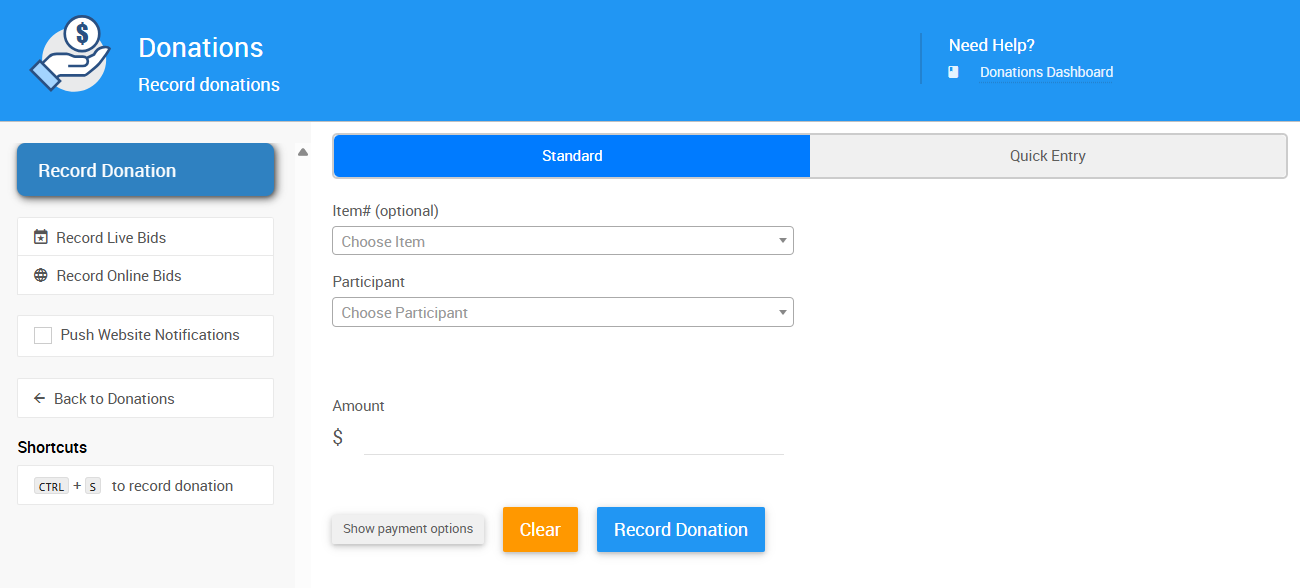
Recording Donations
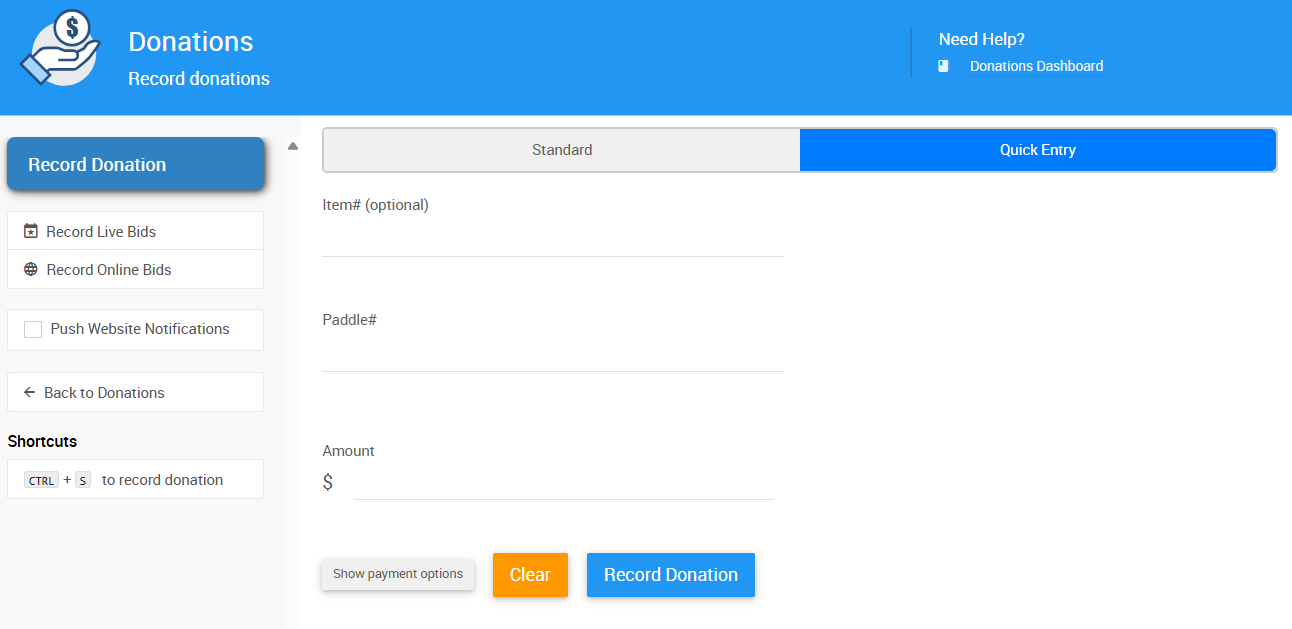
Quick Entry
Use Quick Entry when entering a batch of donations and you already have the Paddle# handy. You can leave the Item# field blank and enter the appropriate amount in the Amount field to record a cash donation.
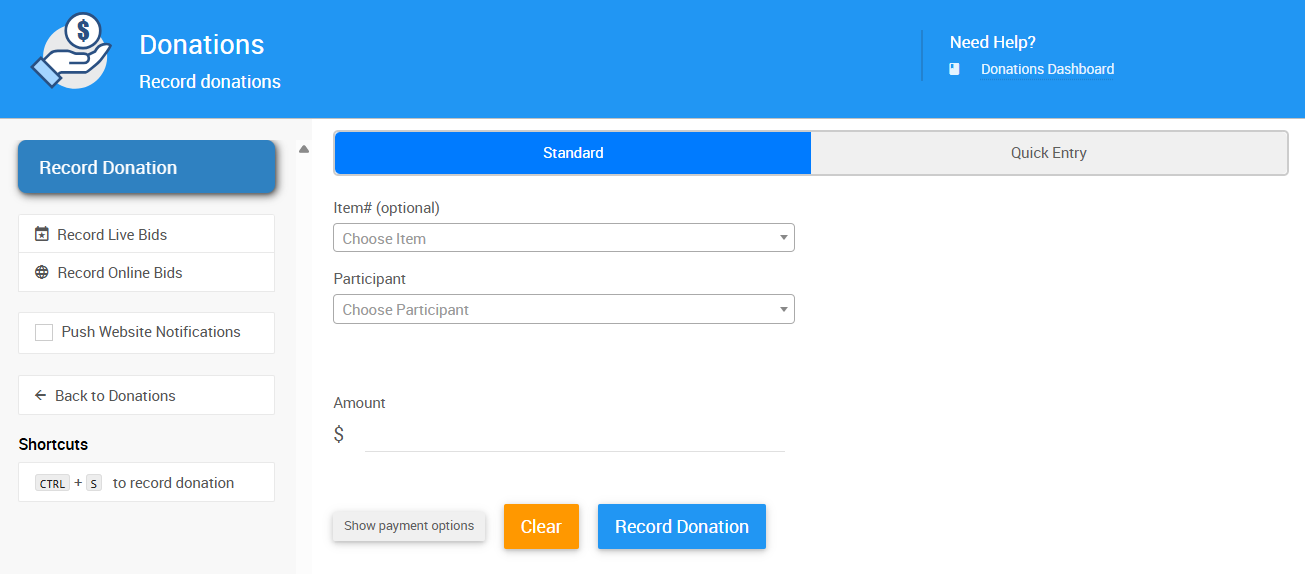
Standard Mode
Use the Standard mode drop-down menus to select specific donation items and the appropriate donor from the list. This is great if you are recording donations for specific items that are already set up in your system.
Payment
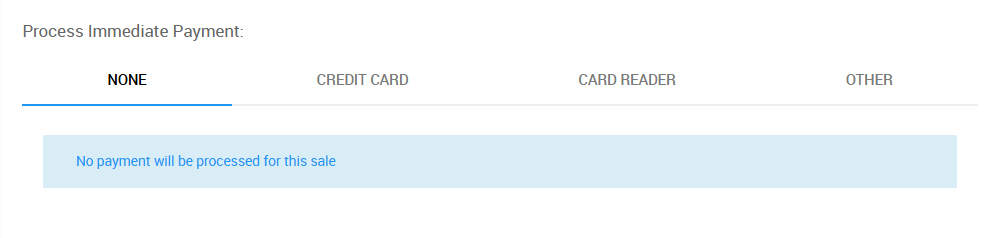
In either entry mode, click Show payment options to open the payment method menu.

The Payment section allows you to choose a payment method for the donation when it is being recorded.
Tips
Entering a payment method is optional. You can add a donation directly to a guest's account by clicking Record Donation without selecting a payment method.
Last reviewed: January 2026