
Email is a core communication tool in Auctria for connecting with your bidders, donors, and ticket holders.
The platform provides comprehensive email capabilities, from automated system notifications to fully customizable messages you can create and send on demand.
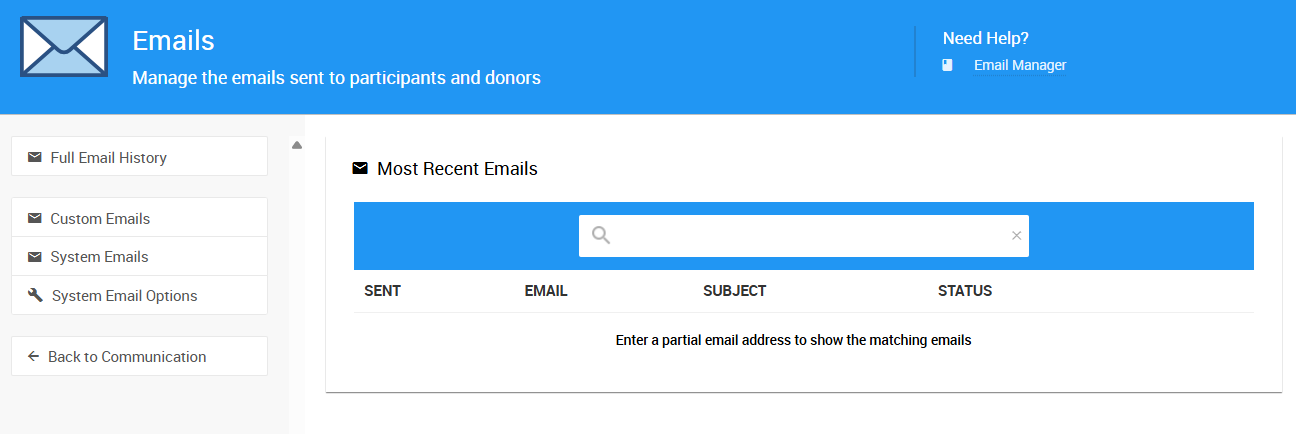
The Email Manager in Auctria.
Understanding Auctria's Email System
Auctria provides two main types of email functionality:
System Emails
System Emails are automated messages that Auctria sends in response to specific actions or triggers. These include bidding notifications, purchase confirmations, statements, and receipts.
- System Emails - Access and customize your system email templates
- System Notifications - Complete list of automated email notifications
- Transactional vs Marketing Emails - Understanding the difference between email types
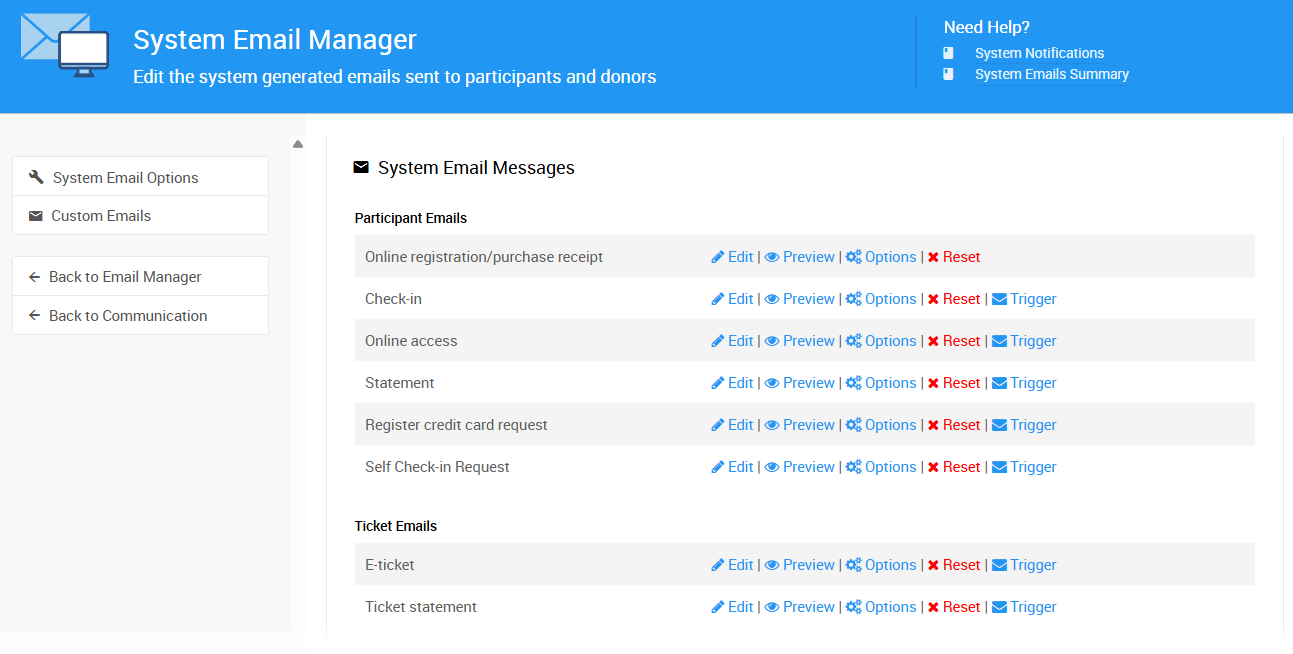
The System Email Manager page.
Custom Emails
Custom Emails are messages you write and send to specific groups of bidders, donors, or ticket holders. You can create, save, and reuse email templates for your communications.
- Custom Emails - Create and manage custom email templates
- How To Send Custom Emails - Send custom emails to your audience
- Email Manager - View email history and manage sent messages
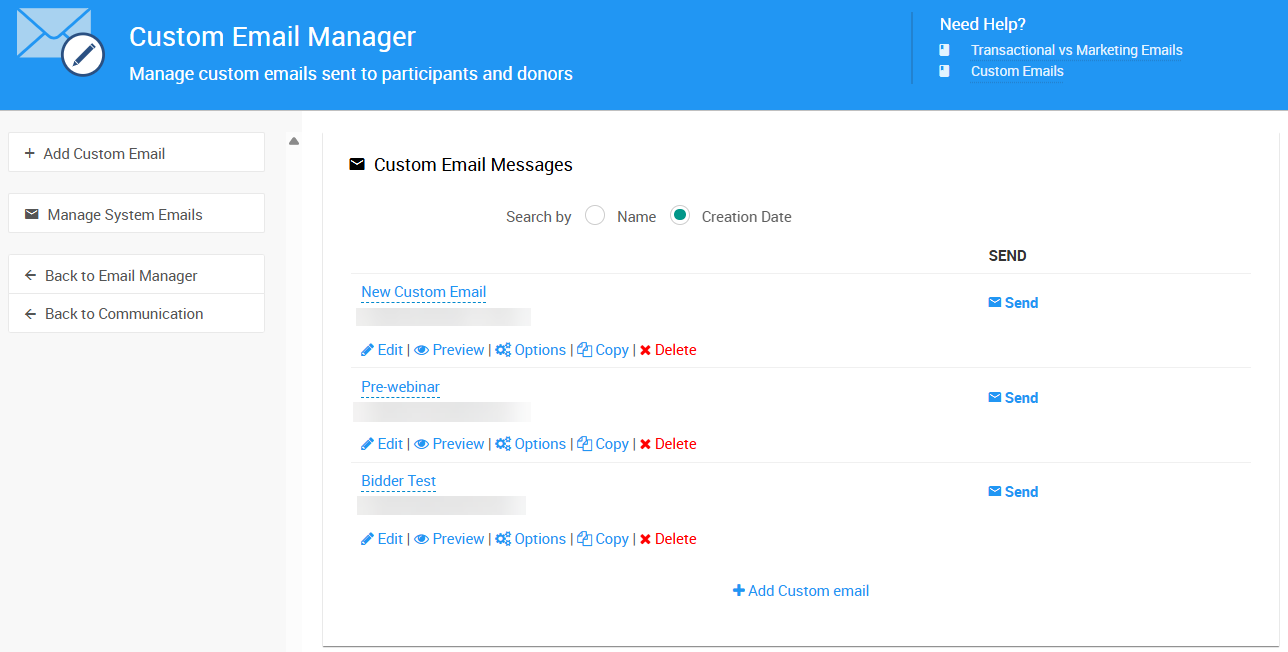
The Custom Email Manager page.
Custom Emails For Emerald and Diamond Accounts
The Custom Emails feature is only available for Emerald and Diamond Auctria licenses.
Email Addresses and Reply Settings
When sending email from Auctria, the From address will always be displayed as:'Your Organization' <noreply@auctria.com>
Due to standard anti-spam rules, emails must use an @auctria.com domain. However, all emails will have a reply-to address set to the email address defined on your Organization page (see Introduction To Organizations).
This means when recipients click "Reply," their message will be sent directly to your organization's email address.
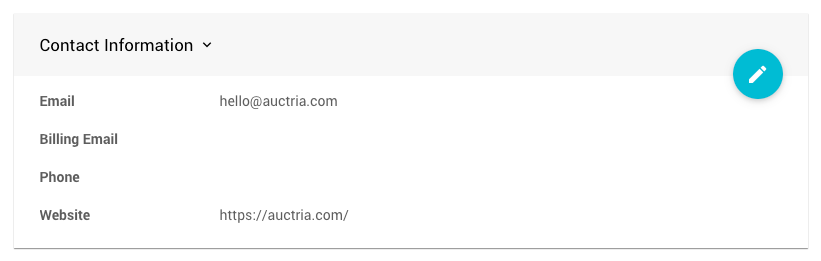
Set your organization's reply-to email address in the Organization details.
Multiple Addresses Not Supported
All email address fields in Auctria can only contain a single email address. Attempting to use multiple email addresses in an email address field will create errors.
Customizing Your Emails
Auctria provides powerful tools for personalizing and customizing your email communications:
Email Content and Design
- Editing Emails - Edit email content and formatting using the Email Editor
- Customize Email Header - Customize your email header
- Customize Email Footer - Customize your email footer
- Add Block - Add content blocks to your emails
- How To Modify Emails Using Conditionals - Use conditional content for personalization
- E-Ticket Table References - Add seating information to the E-Ticket system email
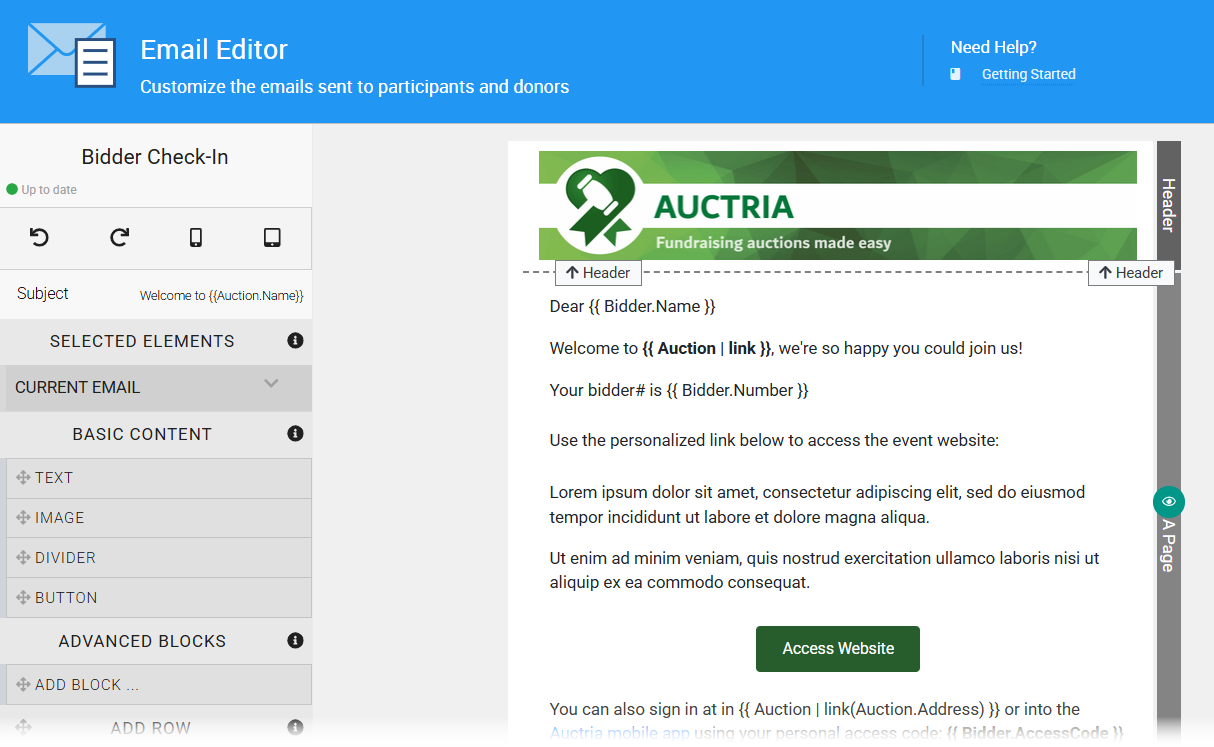
The Email Editor page with the Bidder Check-In system email.
Specialized Email Features
- Email Edits For Online Auctions - Email customization for online-only events
- How To Email Ticket Holders Only - Send emails to ticket holders
- How To Email Participants With A Balance - Email bidders with outstanding balances
- How To Create An Email Text Link - Add text messaging links to emails
Email Management and Review
- Email Manager - View sent emails and manage email history
- Review Duplicate Emails - Identify and review duplicate email sends
Accessing Email Features
All email features can be accessed from the Communication (left sidebar, Setup) section of your Auctria dashboard:
- Email Manager - Click Communication → Email to view email history
- Custom Emails - Click Communication → Custom Emails to create and send custom messages
- System Emails - Click Communication → System Emails to customize automated notifications