
Learn how to view and pay the credit card processing fees owed on your Auctria account.
Some payment processors charge a processing fee for each credit card transaction. The Auctria Balance page shows these fees and lets you pay any amount you owe.
| Processor | How Fees Are Paid |
|---|---|
| Authorize.Net | Fees build up in your Auctria Balance, and you pay them from this page. |
| Stripe | Fees are deducted from each transaction, so your Auctria Balance stays at zero. |
Using Stripe?
If your fees are deducted automatically, as they are with Stripe, you don't need to use this page.
Viewing Your Balance
- Click Organization in the left sidebar.
- Click Auctria Balance in the organization sidebar.
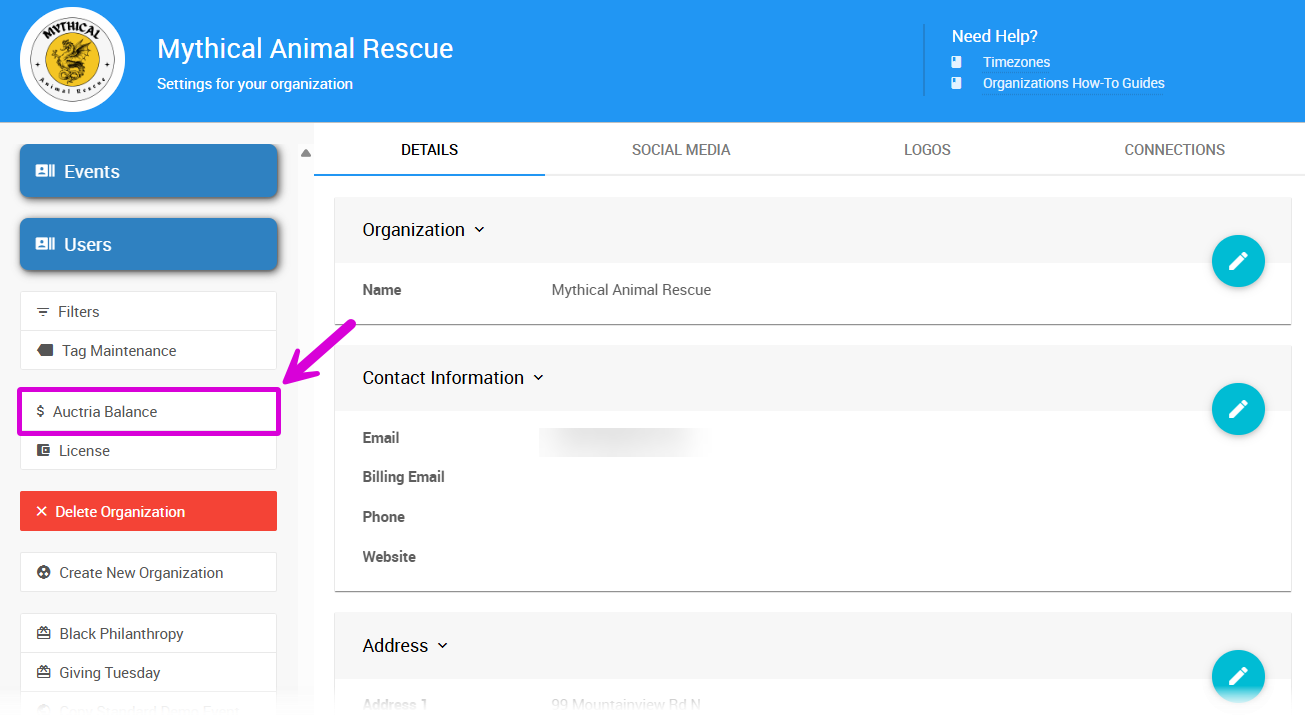
An example Auctria Balance page.
The page shows your Outstanding balance: and an Account Transactions table with these columns:
| Column | Description |
|---|---|
| Date | The date of the transaction. |
| Type | The type of transaction. |
| Description | Details about the transaction. |
| Amount | The amount of the transaction. |
Paying Your Balance
The Pay Now button appears in the sidebar only when your balance is above zero.
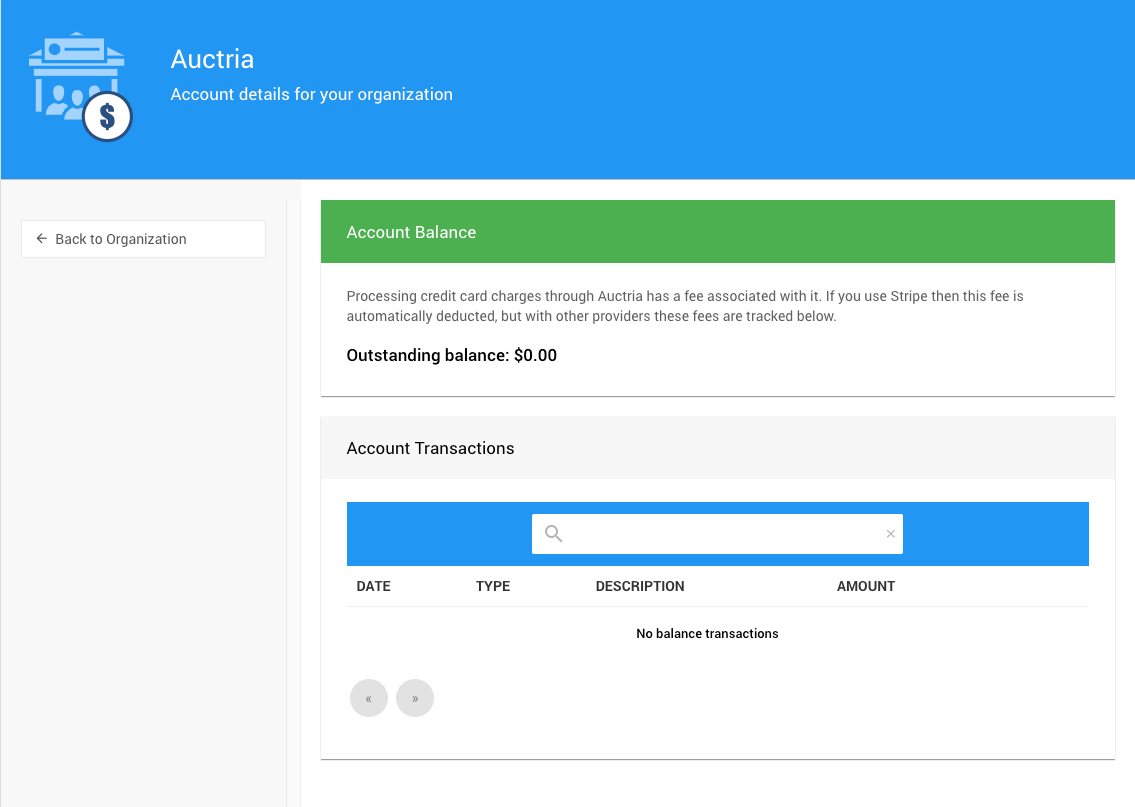
An Auctria Balance page with a zero balance.
Click Pay Now to open Auctria's secure online payment page and pay your balance.
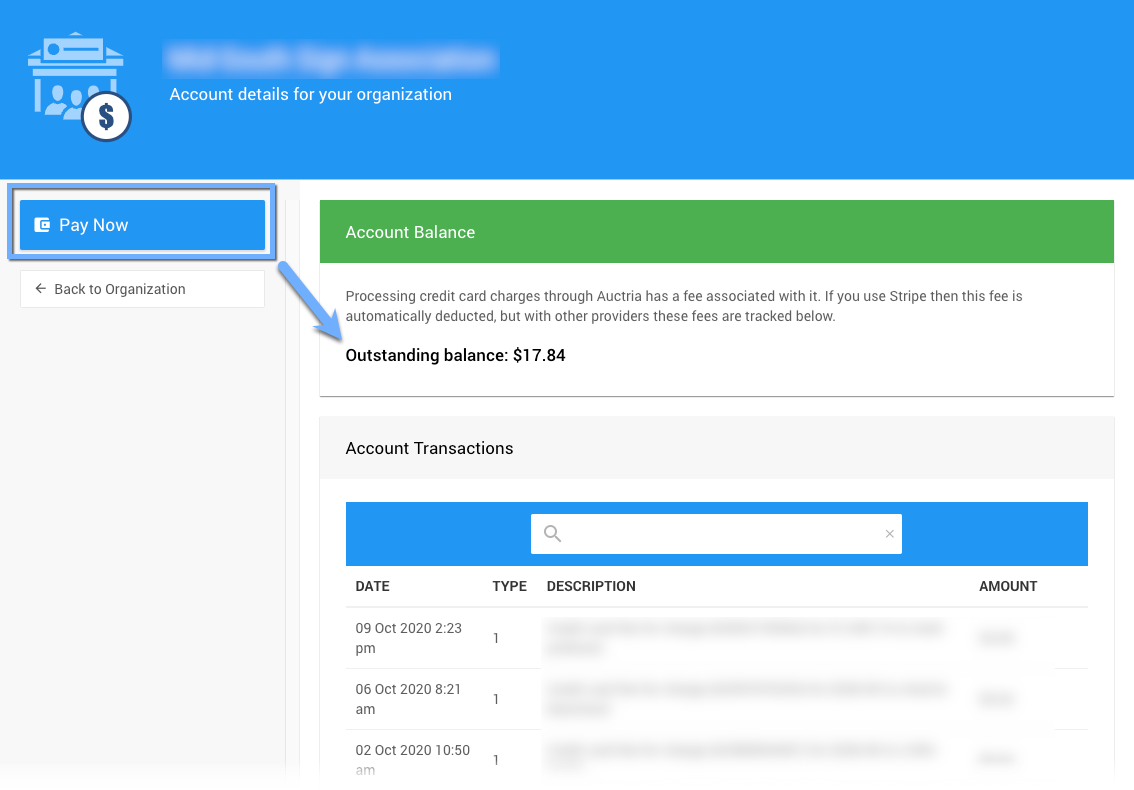
The payment page for paying your balance.