On This Page

How To Add An Expense Category

Learn how to add a new expense category in Auctria.


Steps

  1. Open Expenses (FinancialsExpenses).
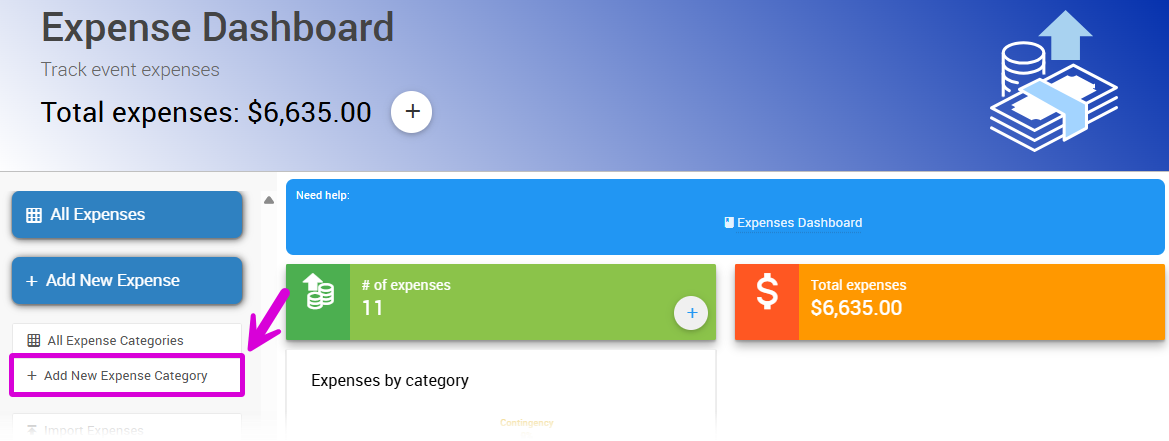
  2. Click Add New Expense Category.

Add New Expense Category button on the Expenses dashboard

The Add New Expense Category button on the Expenses dashboard, from a demonstration event.

  1. Enter the category's Name and Description.
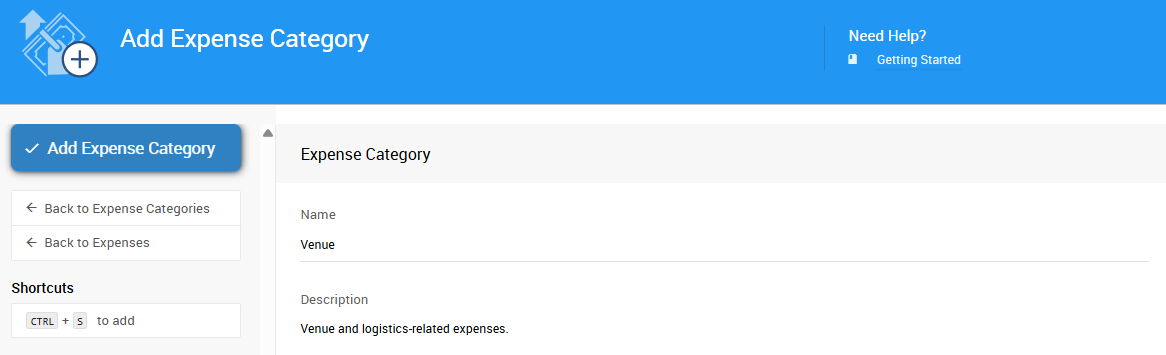
Name and Description fields in the new expense category form

The Name and Description fields for a new expense category, from a demonstration event.

  1. Click Add Expense Category to complete the action.

Last reviewed: August 2026
AddExpenseCategory
/financials/expenses/add_expense_category/
financials
expenses
add_expense_category
How To Add An Expense Category
Learn how to add a new expense category in Auctria.
© Auctria 2013-2026