
Learn how to add a link to your event website that opens a new email to the address you choose.
You create the link in a Text Element column element, so guests can click your organization's email address to start a message.
Create an Email Link
Insert a Text element into your event website. If a Text element already exists where you want to share the email link, you can edit that one instead.
Type the email address you want to use, for example,
someone@example.com.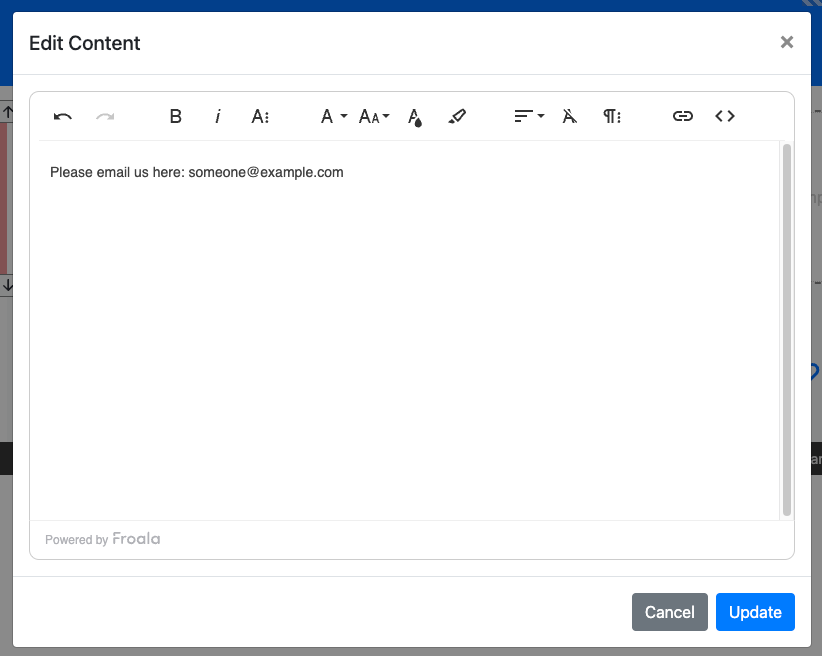
The Text element editor with an email address typed in.
Highlight the email address text.
Click the link button in the editor.
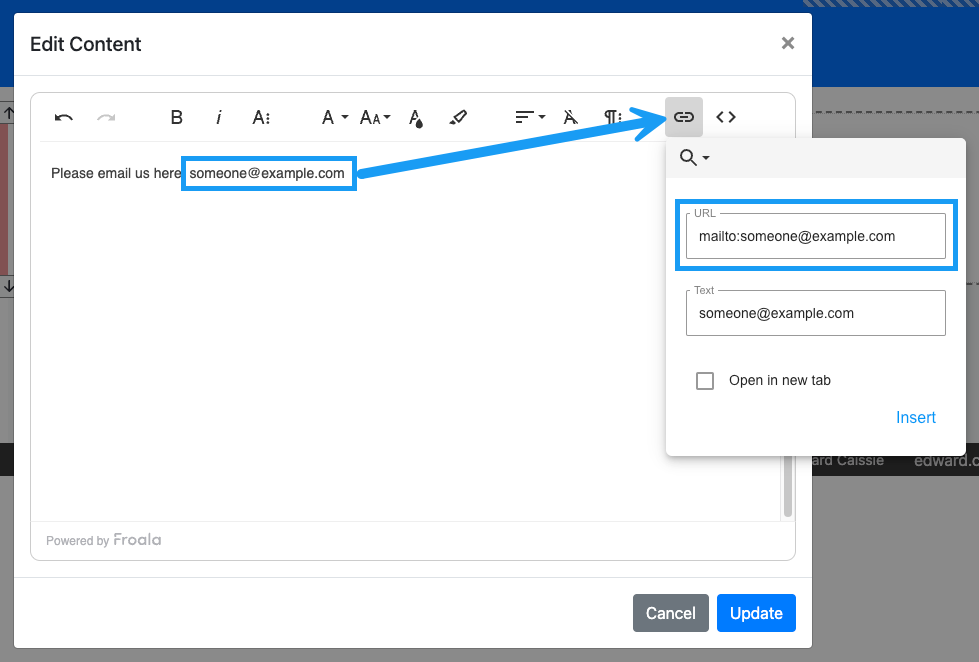
The link button in the Text element editor.
In the URL field, type
mailto:followed by the email address you want to use. For example,mailto:someone@example.com.Click the Update button to save your changes.
Use mailto: in the URL
The key is to start the URL with mailto:. This tells the link to open a new email, instead of a web page, when someone clicks it.