
Configure how timestamps are formatted in your exports, and add extra fields to your Item Activity and Participant Activity worksheets.
To open the Export Settings page, click Export → Export Settings from the main event dashboard.
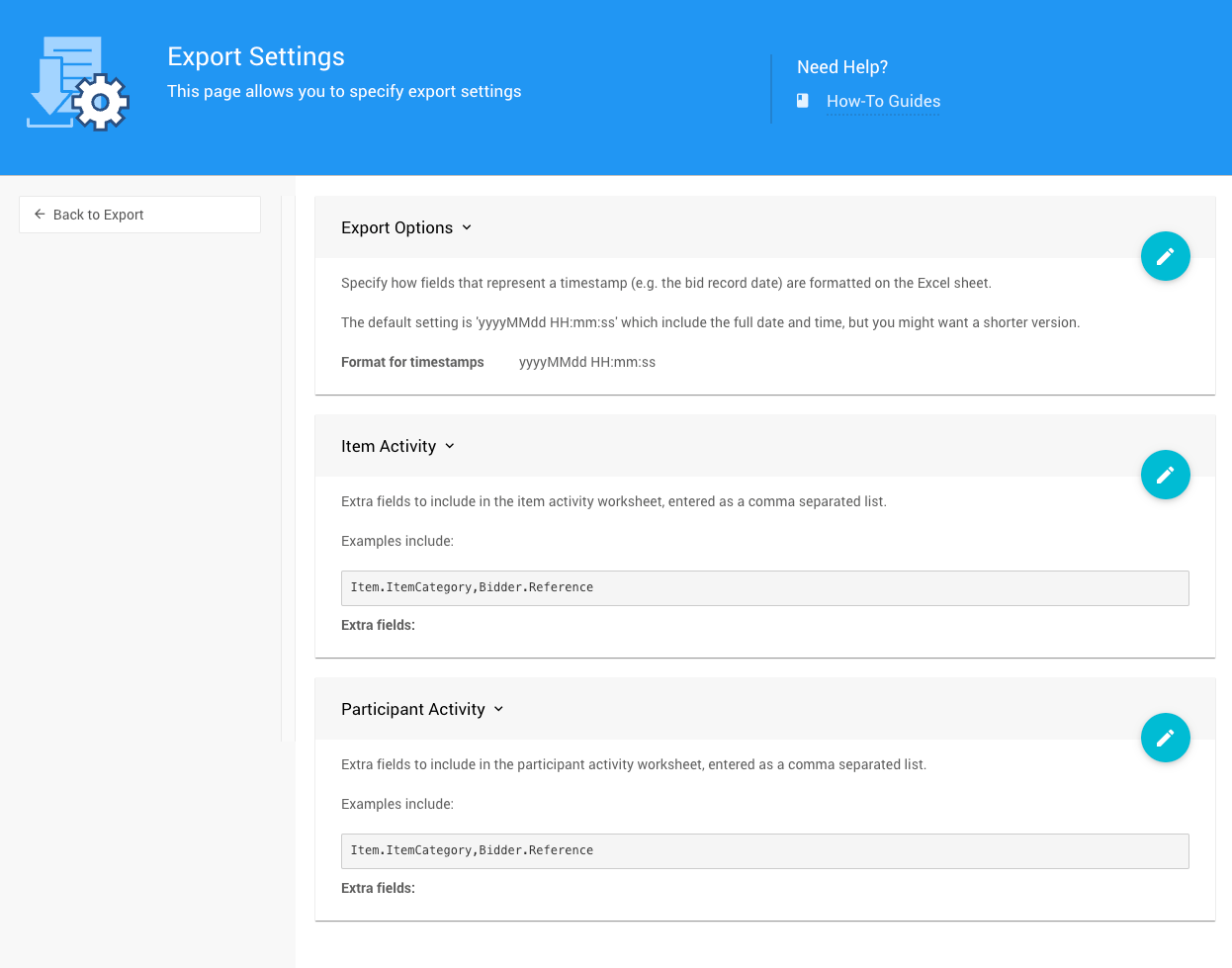
An example Export Settings page from a demonstration event.
Export Options
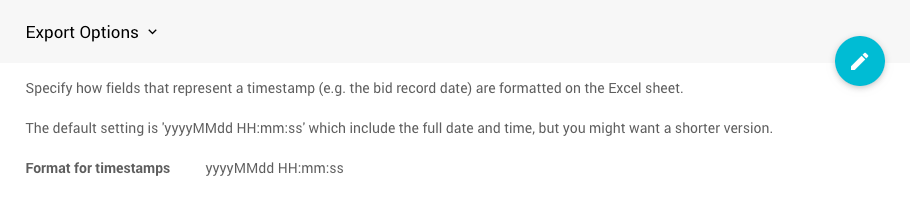
An example Export Options section from a demonstration event.
Specify how fields representing a timestamp (e.g., the bid record date) are formatted on the exported Excel sheet.
The default setting is yyyyMMdd HH:mm:ss, which includes the full date and time, but you can shorten it if you don't need that level of detail.
See W3 Date and Time Formats for a reference on the variables you can use to build your own timestamp format.
Item Activity
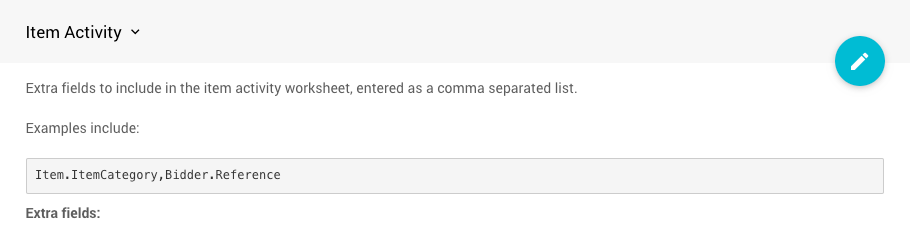
An example Item Activity Fields option from a demonstration event.
Add extra fields to include in the item activity worksheet, entered as a comma-separated list.
Participant Activity
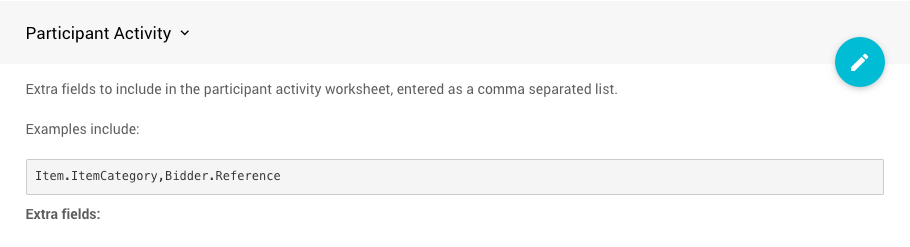
An example Participant Activity Fields option from a demonstration event.
Add extra fields to include in the participant activity worksheet, entered as a comma-separated list.
How To Edit Dashboard Panel Settings
You can edit panel settings by clicking on the pencil icon to open the panel for editing.

Panel in "saved" mode.
Once you have made your changes, click the checkmark icon to save these changes. If you have opened multiple panels in a dashboard, you must click each checkmark to keep their settings.

Panel in "edit" mode.
You can click the return arrow icon if you do not want to save your changes.