
Track fundraising event expenses in different categories.
Tracking expenses is an essential part of managing your fundraising event budget. Auctria's Expenses feature lets you categorize and monitor costs, giving you a clear financial picture of your event.
What You Can Track
You can use Auctria to track expenses such as:
- Advertising and promotion
- Printing and materials
- Volunteer expenses (mileage, coffee, etc.)
- Venue and rental costs
- Catering and hospitality
- Any other costs related to your event
You can also set up expense categories to add more context to your reporting.
Accessing the Expense Dashboard
To manage expenses in Auctria, navigate to Financials → Expenses. This opens the Expense Dashboard, where you can view, add, and manage expenses.
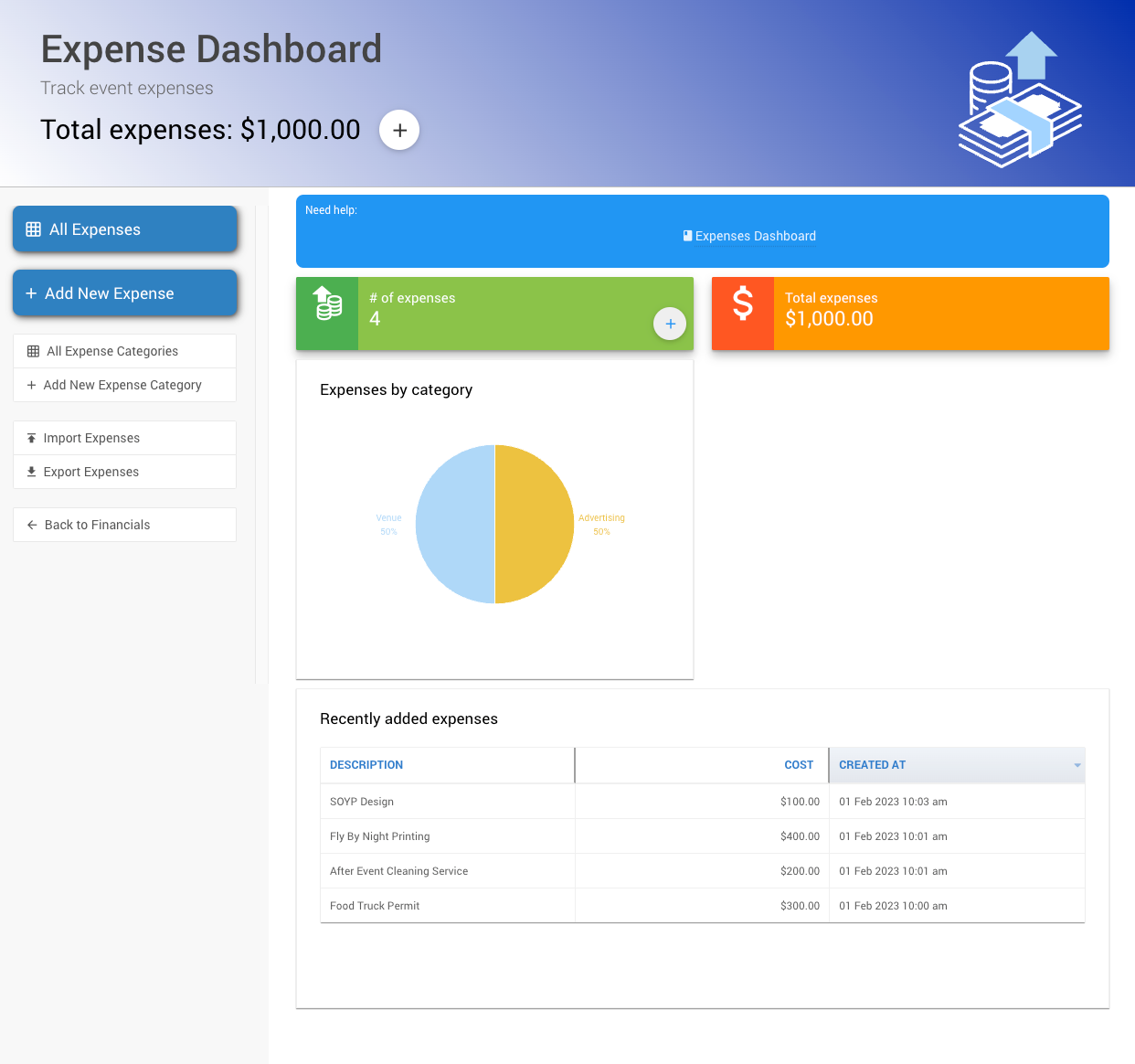
An example from a demonstration event.
Adding and editing expenses
See How To Add A New Expense to add a new expense, or How To Edit Expenses to edit or delete an existing one.
Managing Expense Categories
Expense categories help you organize expenses for reporting. You can create new categories, edit or remove existing ones, and filter expenses by category.
Creating a category
See How To Add An Expense Category for steps on creating a new expense category.
Reporting and Financial Overview
All expenses recorded in Auctria are included in your financial reports, giving you a combined view of income and expenses for your event.