
Item Donor Receipts will show the items and in-kind donations received from Item Donors at your event.
Getting Where You Need To Be
You can access Item Donor Receipts by clicking through Items Item Donors Item Donor Receipts.
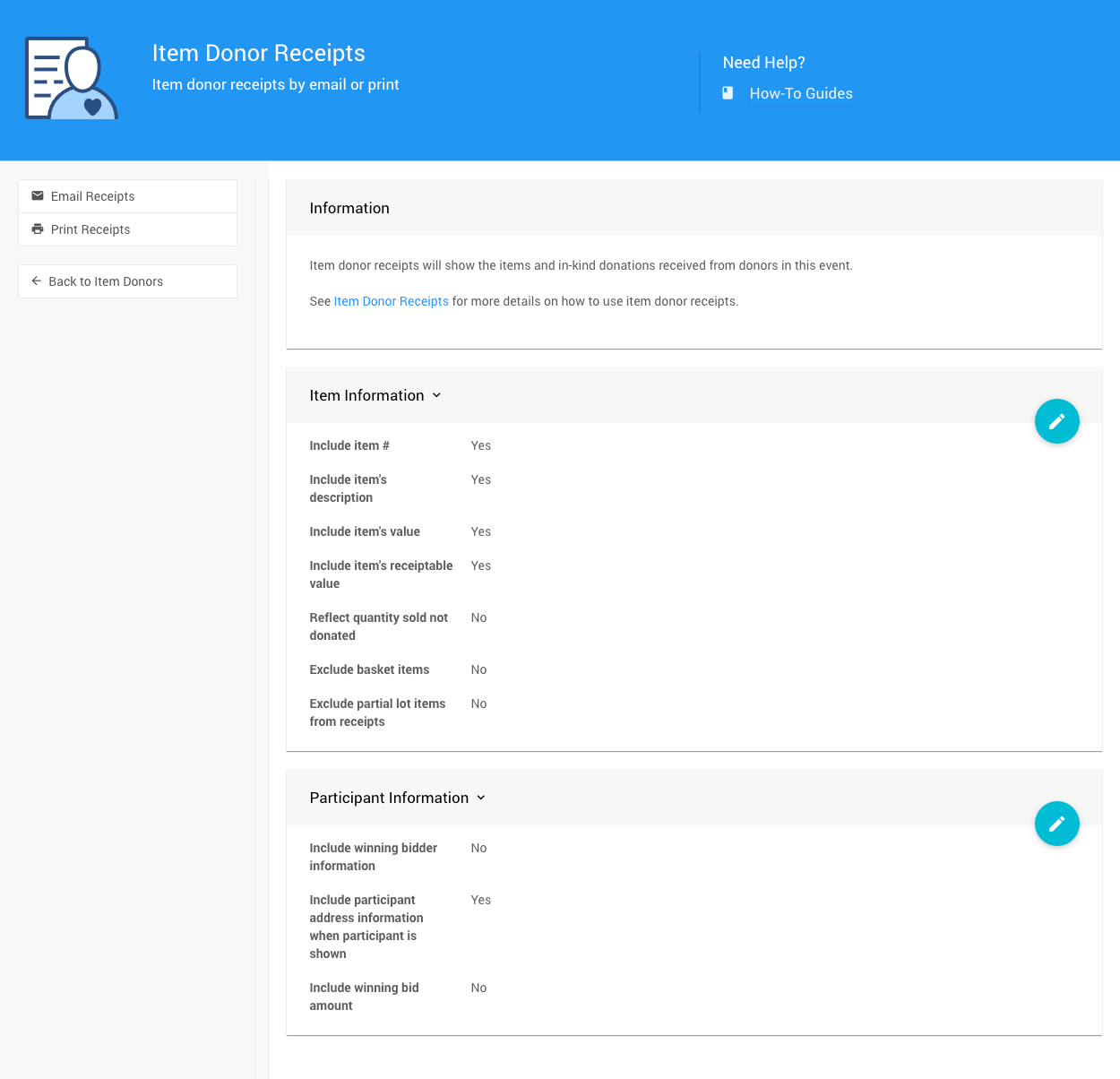
The Item Donor Receipts page provides the settings for emailing and printing receipts for donors. The settings affect both email and print content.
How To Edit Dashboard Panel Settings
You can edit panel settings by clicking on the pencil icon to open the panel for editing.

Panel in "saved" mode.
Once you have made your changes, click the checkmark icon to save these changes. If you have opened multiple panels in a dashboard, you must click each checkmark to keep their settings.

Panel in "edit" mode.
You can click the return arrow icon if you do not want to save your changes.
Item Information
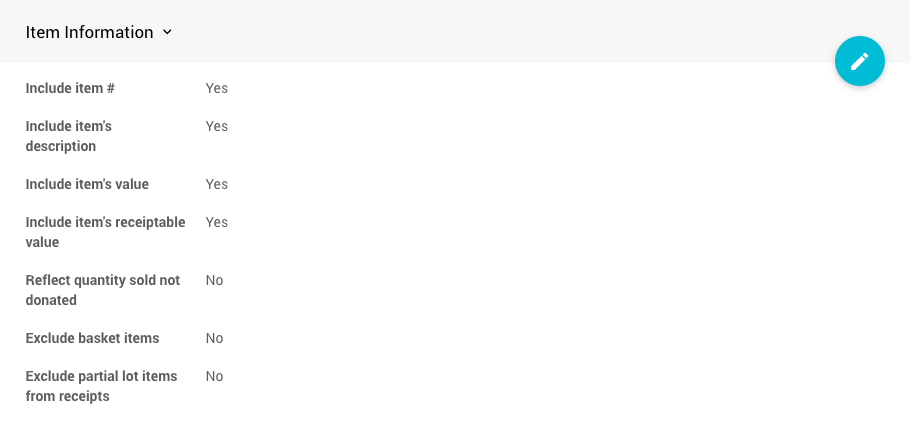
Include Item Number
Default: Yes. This setting will display the item number on the donor receipt.
Include Item's Description
Default: Yes. This setting will display the item's description on the donor receipt.
Include Item's Value
Default: Yes. This setting will display the item's value on the donor receipt.
Include the item's Receiptable Value
Default: Yes. This setting will display the item's receipt-able value on the donor receipt.
Reflect Quantity Sold Not Donated
Default: No. This displays the quantity donated. When enabled, it will instead show the number of donated items sold.
Exclude Basket Items
Default: No. These basket items will be included on the receipt.
Exclude Partial Lot Items From Receipts
Default: No. This will have Partial Items included on the receipt.
Participant Information
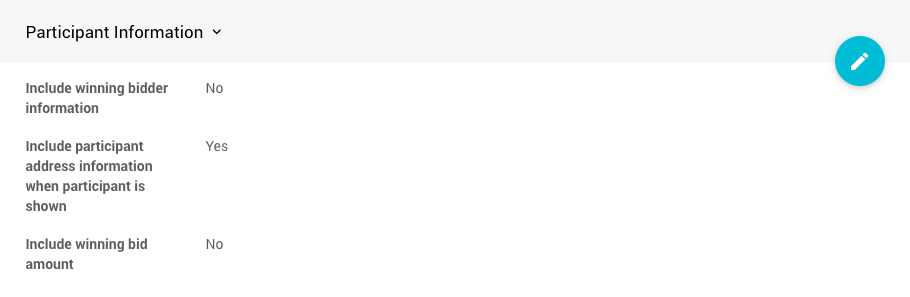
Include Winning Bidder Information
Default: No. This will include information from the Participant Details' Participant panel.
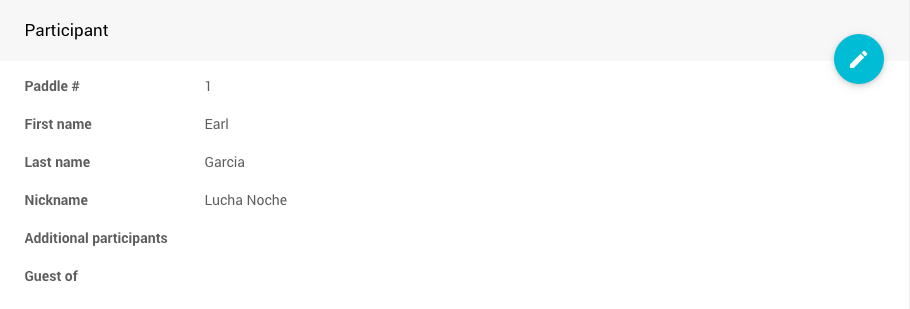
An example from a demonstration event.
Include Participant Address Information When Participant Is Shown
Default: Yes. This will include the Participants Details' Address panel information.
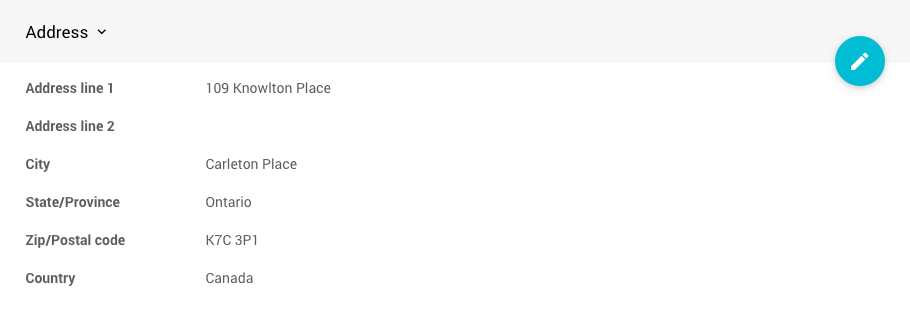
An example from a demonstration event.
Include Winning Bid Amount
Default: No. This will not display the winning bid amount for the donated item.