
Add a new Sponsorship to your event from the Sales Dashboard.
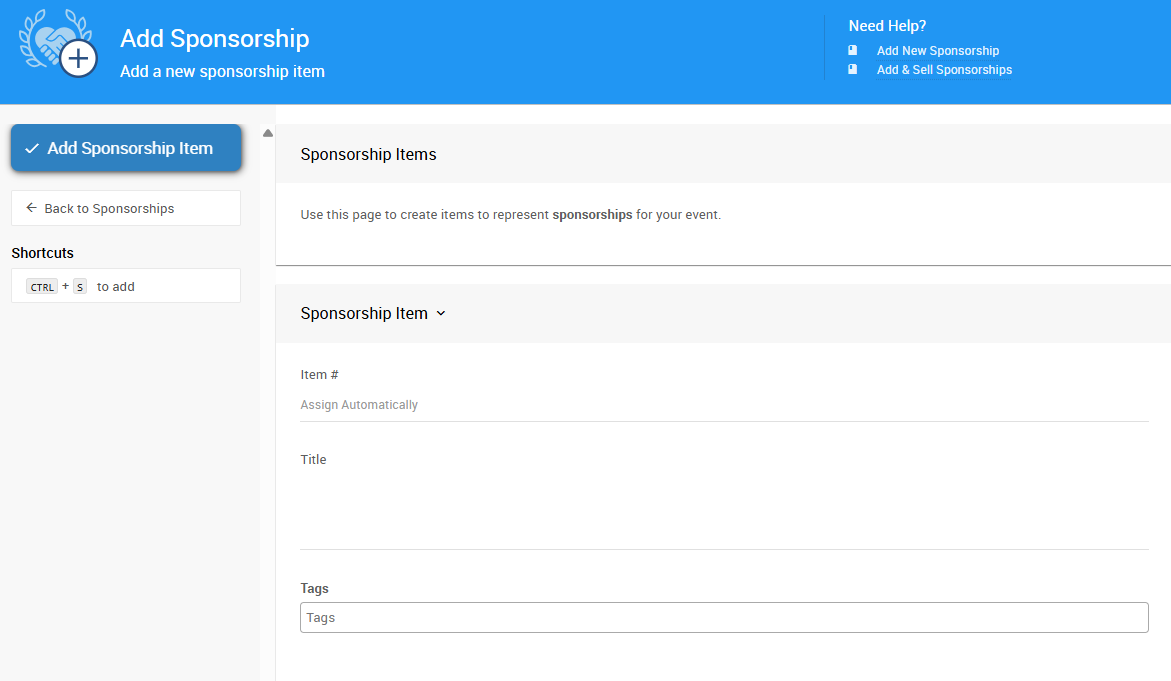
Use this page to create items to represent Sponsorships for your event.
An example from a demonstration event.
Learn more about Sponsorships in Auctria.
Steps
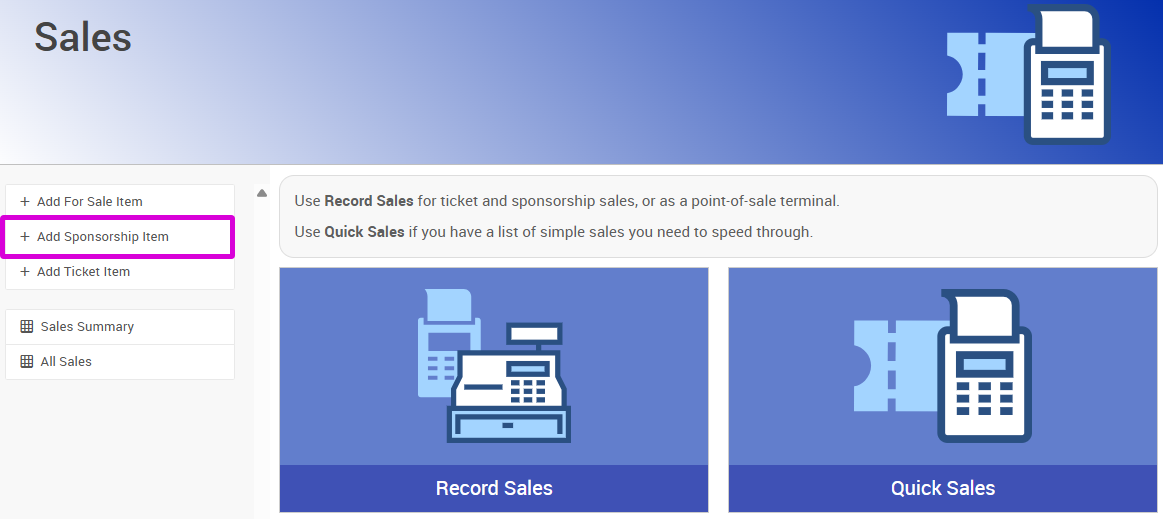
- From the Sales Dashboard, click Add Sponsorship Item.
An example from a demonstration event.
- Enter a Title.
- Enter a Value.
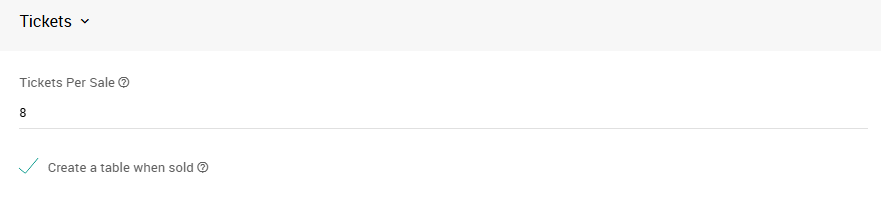
- If admission tickets are included with this sponsorship, enter the quantity in the Tickets Per Sale field.
- If purchasing this sponsorship should create a table, check Create a table when sold.
An example from a demonstration event.
- If there's a limited quantity of this sponsorship available, enter the amount in the Quantity field.
- Click Add Sponsorship Item to complete the action.