
Learn how your event participants and guests interact with your Auctria event — whether through the website, a kiosk, the mobile app, or text bidding.
Auctria gives your guests multiple ways to participate in your event, depending on how you've set things up. This section covers each participation method from the guest's perspective, so you know what to expect and how to guide them.
Video: Guest Registration
You can add this same video to your auction website using the Add Section function. See Pre Built Sections for more details.
Event Website
Guests can visit your event website from any browser on a computer, tablet, or phone. From there they can register, browse items, place bids, make purchases and donations, and check out — all without needing to download an app.
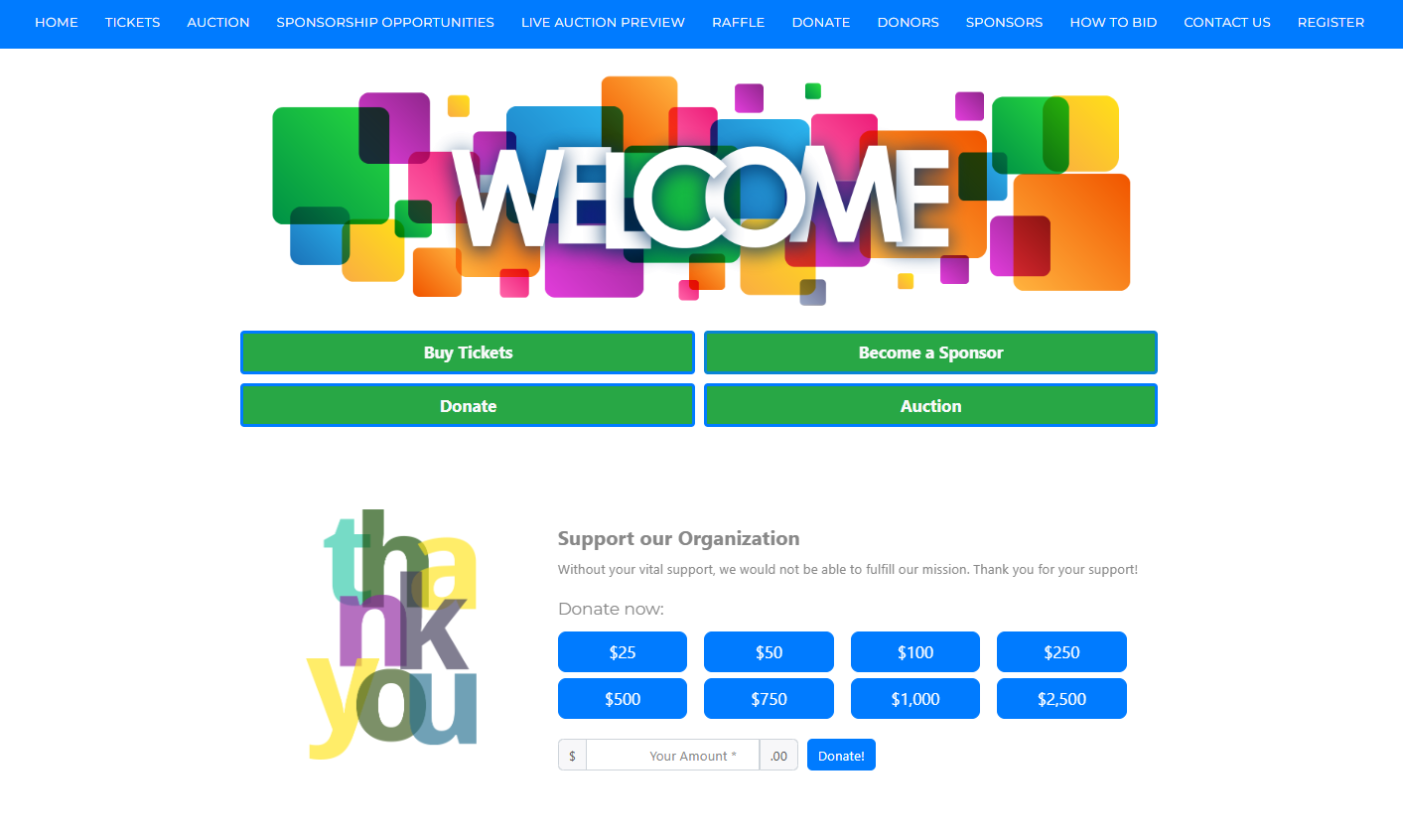
Event websites can be accessed by guests using a computer, phone, or tablet.
See Event Website Guest Experience for details on the full guest experience on the event website.
Participant Check-In
Learn how guests check in to your event — whether online in advance or on-site on the day of the event.
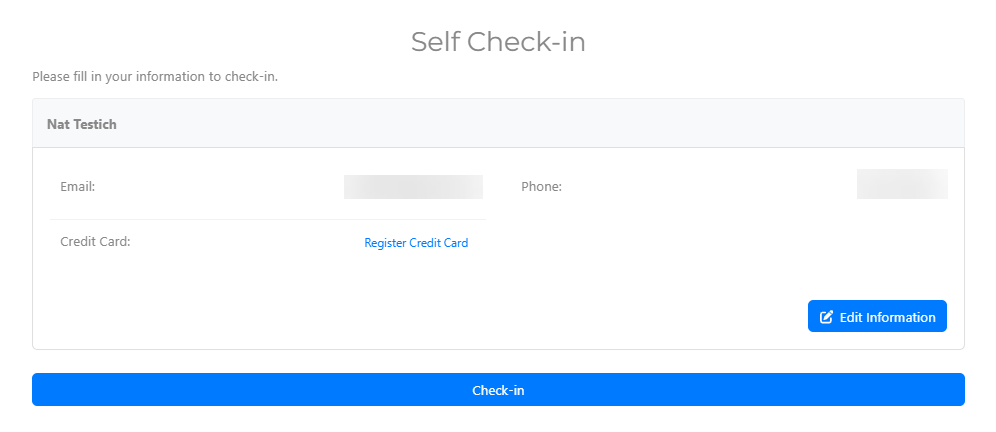
Self Check-In is one of Auctria's guest check-in options.
See Participant Self Check-In for details.
My Account
Guests can access their account from the event website to view their bids, purchases, and activity.
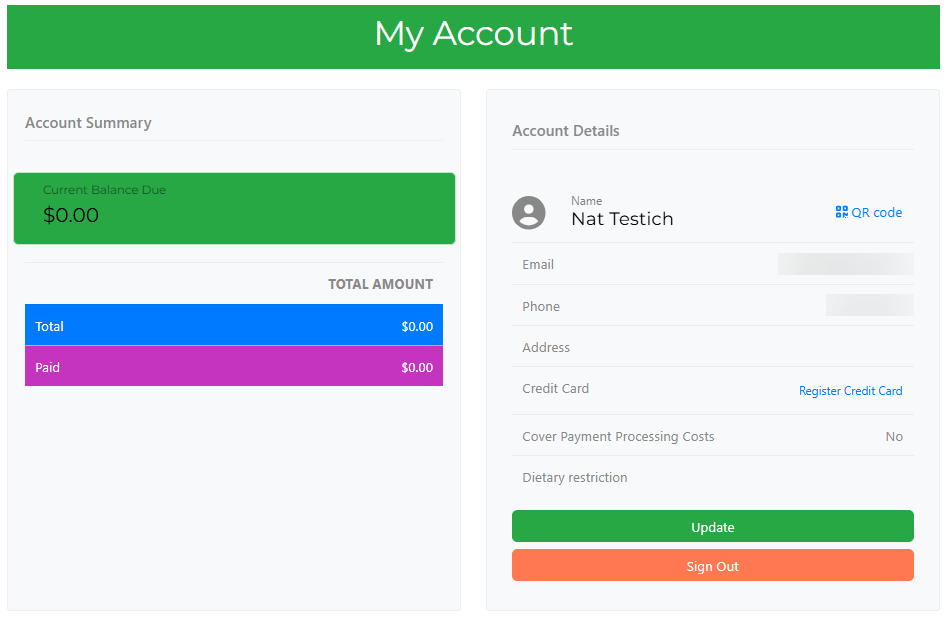
Guests can access their account by using the My Account link in the menu.
See My Account for details.
Ticket Hub
The Ticket Hub is where guests manage the tickets assigned to them — including updating contact details, meal choices, and transferring tickets to someone else.
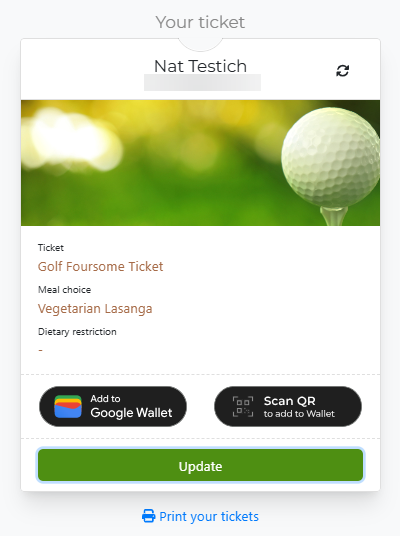
The Ticket Hub displays all tickets purchased, as well as a ticket claim link to send to additional guests.
See Ticket Hub for details.
Placing Bids
Learn how guests place bids on your event website — including bid confirmations, outbid notifications, and maximum bidding. This section also covers alternative bidding methods including kiosk mode and text bidding.
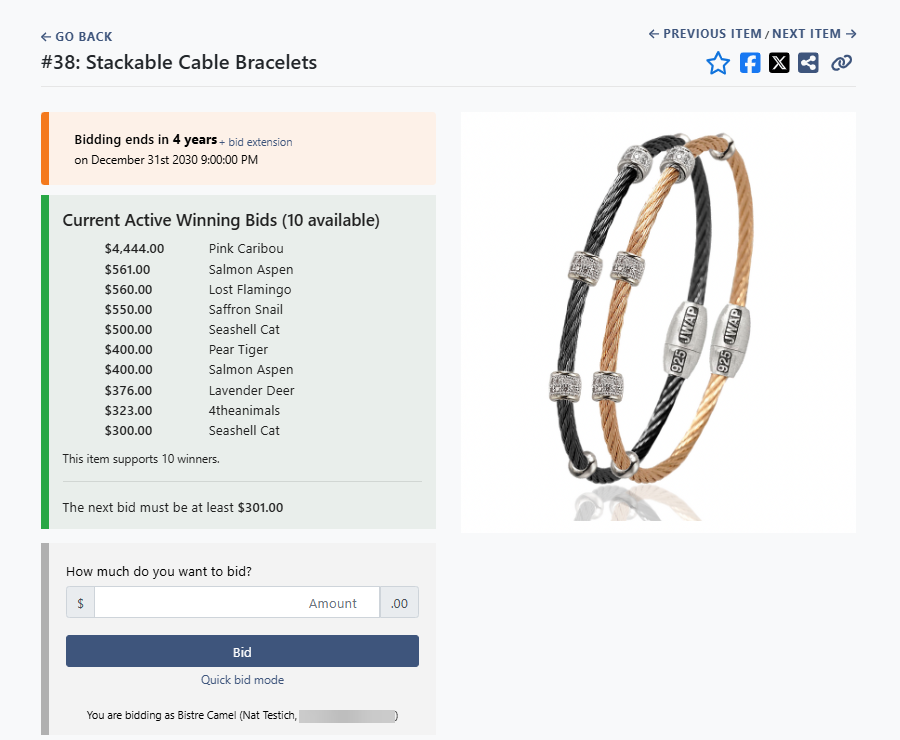
Guests can place bids using the event website on their phone or computer.
See Placing Bids for details.
Maximum Bidding
Maximum bidding lets guests set the highest amount they're willing to pay for an item — Auctria bids on their behalf up to that amount. Guests can also update or remove their maximum bid at any time from the event website.
See Maximum Bidding for details.
Mobile Bidding
The Auctria mobile app lets guests participate from their phone with a streamlined bidding and checkout experience. Mobile bidding is well-suited for in-person events where guests want to bid from their seat.
See Mobile Bidding for details.