
Learn how to change your organization's contact email address.
Your organization's contact email is the main email address shown on your event website and in your communications. By default, it's the email address of the person who bought the original license. You can change it to a general address, such as info@yourorganization.org, that suits public communications better.
Steps
- Click Organization in the left sidebar. The Details tab opens.
- In the Contact Information section, click the pencil icon.
- Update the Email field, and any other fields you want to change (see below).
- Click the check mark to save your changes.
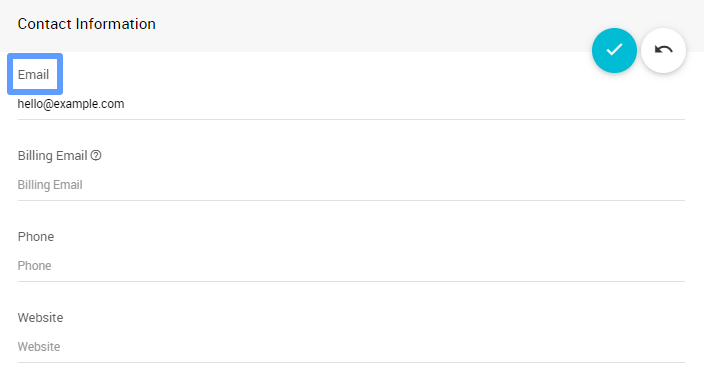
Editing the Contact Information section.
Confirm the New Address
The Connections tab shows whether your organization's email address is confirmed. If it isn't, choose Confirm Email from the ⋮ menu to send a confirmation link. See Connections.
Contact Information Fields
| Field | Description |
|---|---|
| Your organization's main contact email. It appears on your event website and anywhere an organization email is needed. | |
| Billing Email | Receives billing and license renewal notices, if you want them sent to someone else (such as your treasurer). If left blank, they go to Email. |
| Phone | Your organization's contact phone number. |
| Website | Your organization's website address. |
Where the Contact Email Appears
- Your event website's footer and contact pages
- Emails Auctria sends for your events, unless changed at the event level
- Participant notifications
Best Practices
Use an organization email address. A general address like info@yourorg.org keeps working when staff change.
Make sure someone checks it. Participants and donors may use this address to contact you.
Send billing to the right person. If different people handle public communications and finances, use Billing Email for financial notices.