
Learn how to switch between events when your organization has more than one.
Default Event
When you sign in, Auctria opens your next upcoming event based on its Event Date. If an event started less than two weeks ago, Auctria opens that event instead.
Bookmarks open a specific event
A browser bookmark created after you sign in is tied to the event you were viewing. Using that bookmark always opens that event.
Change Events From the Page Header
Click the drop-down arrow next to the event name in the page header, then choose an event from the menu.
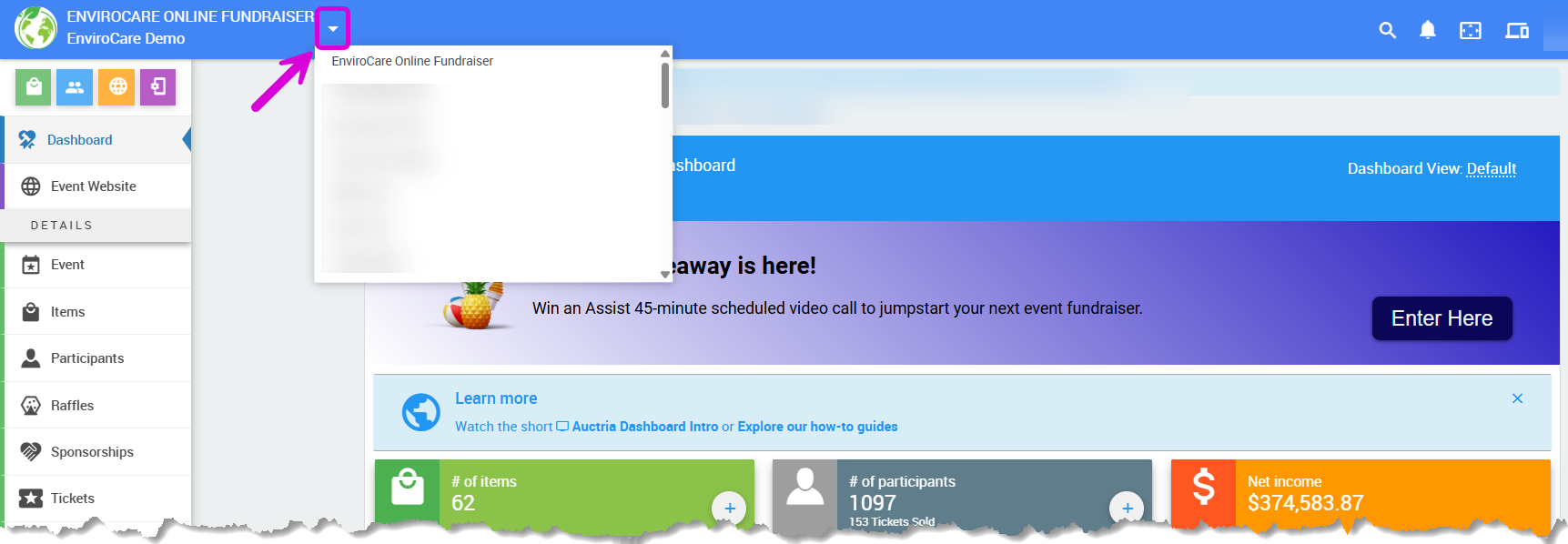
The event selector in the page header from a demonstration event.
Change Events From the All Events Page
- Click Event in the left sidebar → All Events.
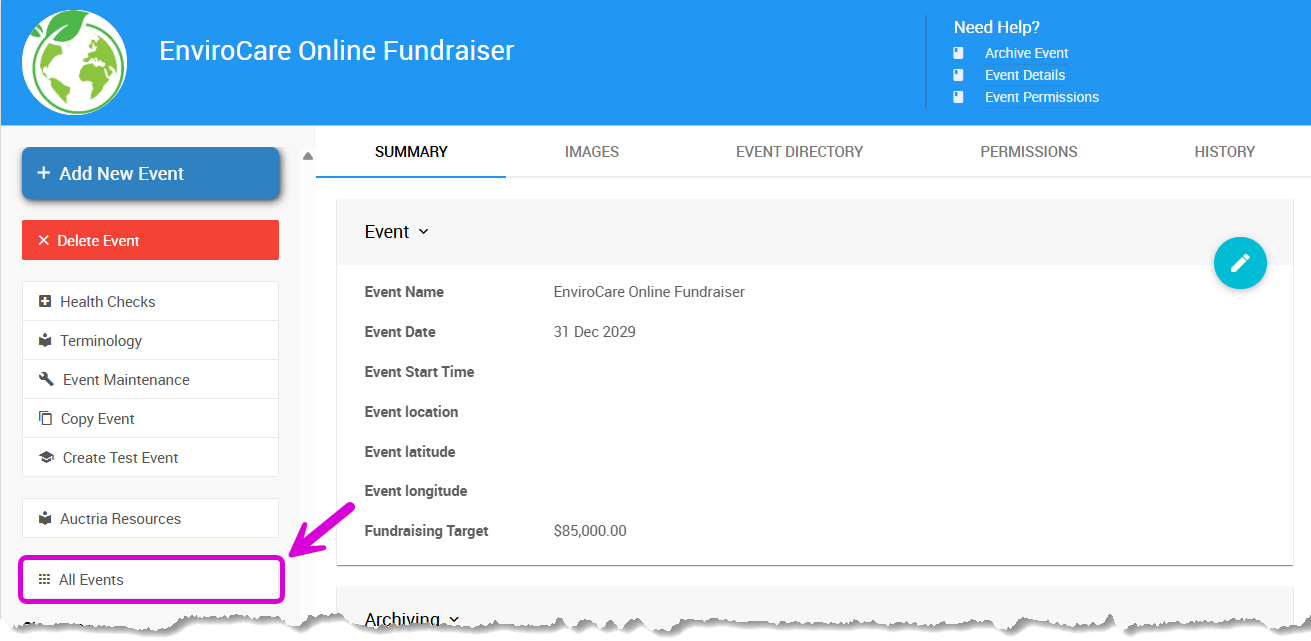
The All Events option from a demonstration event.
- Click the row for the event you want to open. Your current event is highlighted.
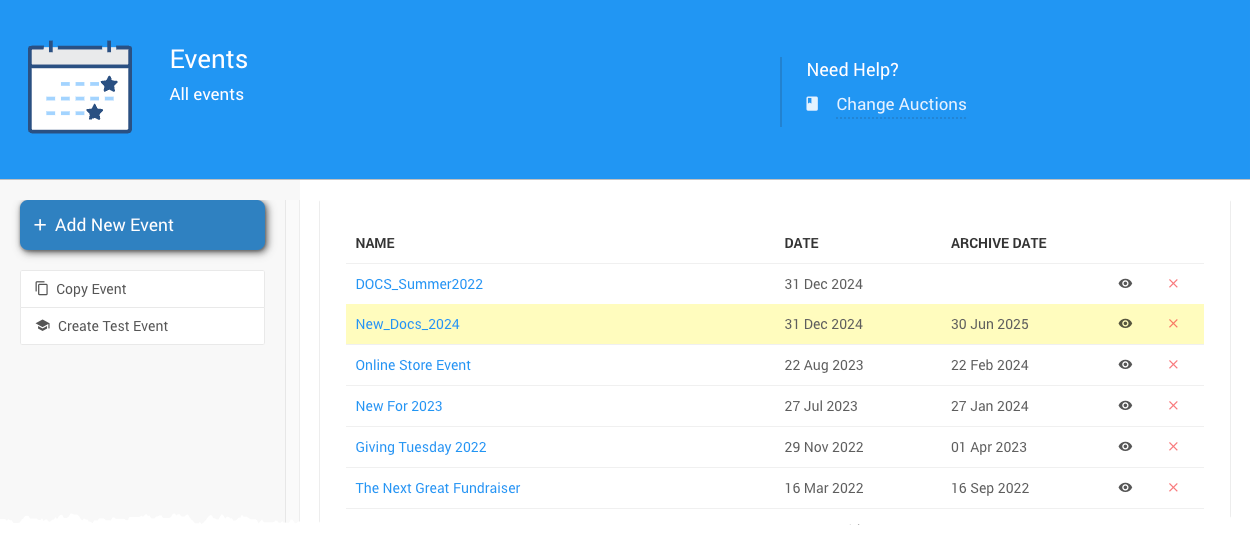
An example All Events page from a demonstration event.