
Learn how to set up and run a paper auction, also called a silent auction, with printed bid sheets in Auctria.
What Are Paper (Silent) Auctions?
A Silent Auction is one where guests place bids without an auctioneer. In Auctria, you can run a silent auction in two ways:
- On paper bid sheets, which Auctria calls a Paper Auction. Guests write their bids on printed sheets placed next to each item. This page covers this method, using the Paper Bidding item type.
- With mobile bidding, where guests bid on their phones and bidding closes automatically. This uses the Online item type. See Online Auctions.
How to Set Up a Paper (Silent) Auction
- Go to your Items dashboard.
- Click Add New Item and choose the Paper Bidding type.
- Fill in item details like name, description, fair market value, and minimum bid.
- Organize your items into categories if needed (for example, Food & Drink or Experiences).
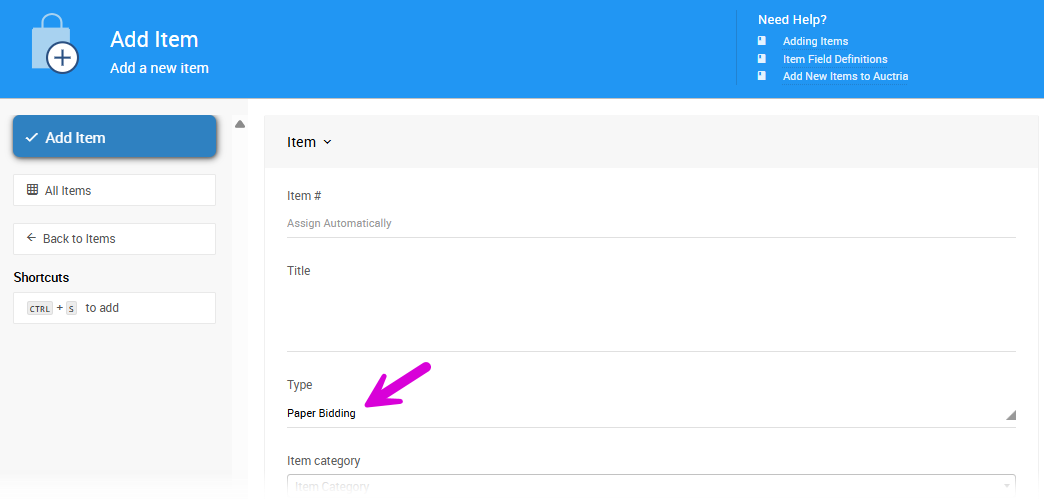
An example from a demonstration event.
How to Print Bid Sheets
Once your items are ready:
Click Printing on the left sidebar, then click the Bid Sheets block.
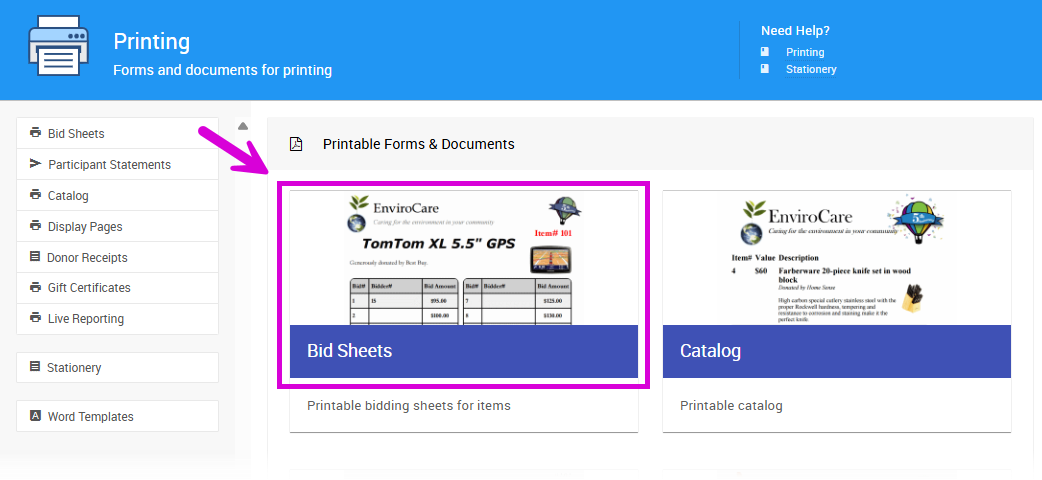
An example Printing page from a demonstration event.
On the Selection tab, choose which items to print.
Optionally, adjust the layout on the Options, Appearance, and Advanced tabs.
Click Download to get a PDF of your silent auction bid sheets.
The Bid Sheets sidebar also has Download Summaries and Download Blank Bid Sheet.
See Bid Sheets to learn more about customizing your bid sheets.
How to Record Winning Bids
After your event:
Click Bidding on the left sidebar.
Click the Record Paper Bids block to open the Paper Auction page.
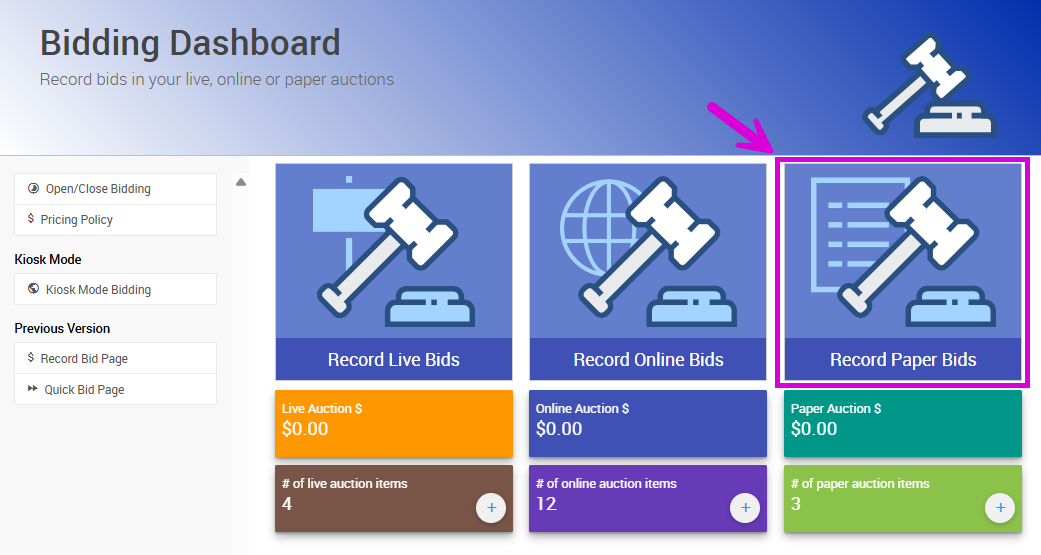
An example Bidding dashboard from a demonstration event.
Enter the Item#, the winner's Paddle#, and the final Amount, then click Record Bid.
The winning bid is added to the participant's invoice.
See Record Paper Bids for more details.
How to Notify Winners
Auctria can notify winners for you. On the Paper Auction page, check Send Item Won Notifications in the sidebar before you record the winning bids.
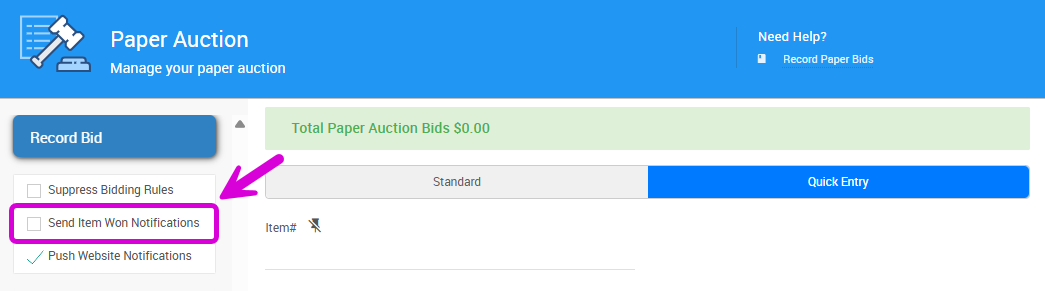
An example from a demonstration event.
As you record each winning bid, Auctria emails the winner an item won notification. To include a link that lets winners pay online, turn on Include payment link in item won notifications on the Online Bidding page.