
Learn how basket item values are calculated and how to override them.
By default, a basket item's value is automatically calculated as the total value of all its contents, as shown on the Contents tab. If you add or remove items from the basket, click Recalculate Basket Value to update the total.
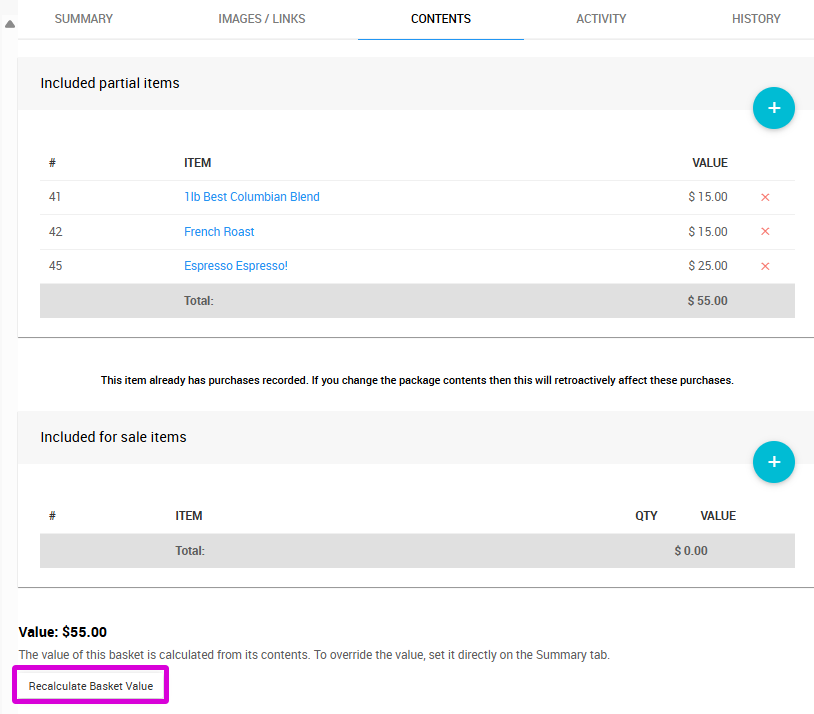
Overriding the Basket Value
To set a specific value instead of using the calculated total, enter a value in the Pricing section on the basket item's Summary tab.

The overridden value will be reflected on the Contents tab.
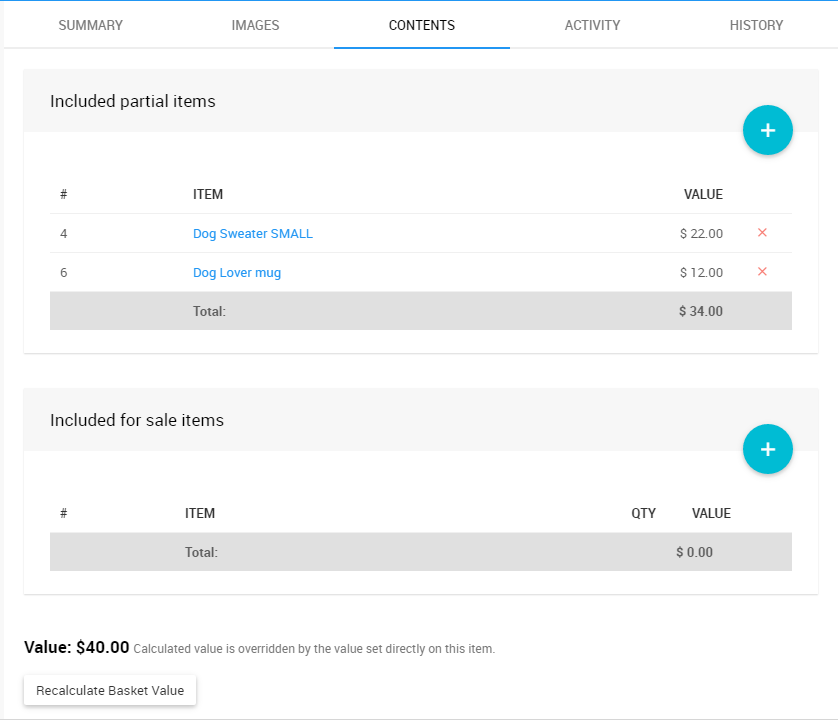
Removing an Override Value
Once an override value is set, the Recalculate Basket Value button is no longer available. To re-enable it, clear the value from the Pricing section on the Summary tab. The button will become active again once no override value is present.