
Auctria offers several options for renumbering your items, from bulk operations to manual drag and drop ordering.
To access the Item Numbering dashboard, click Items (left sidebar, Details) Numbering.
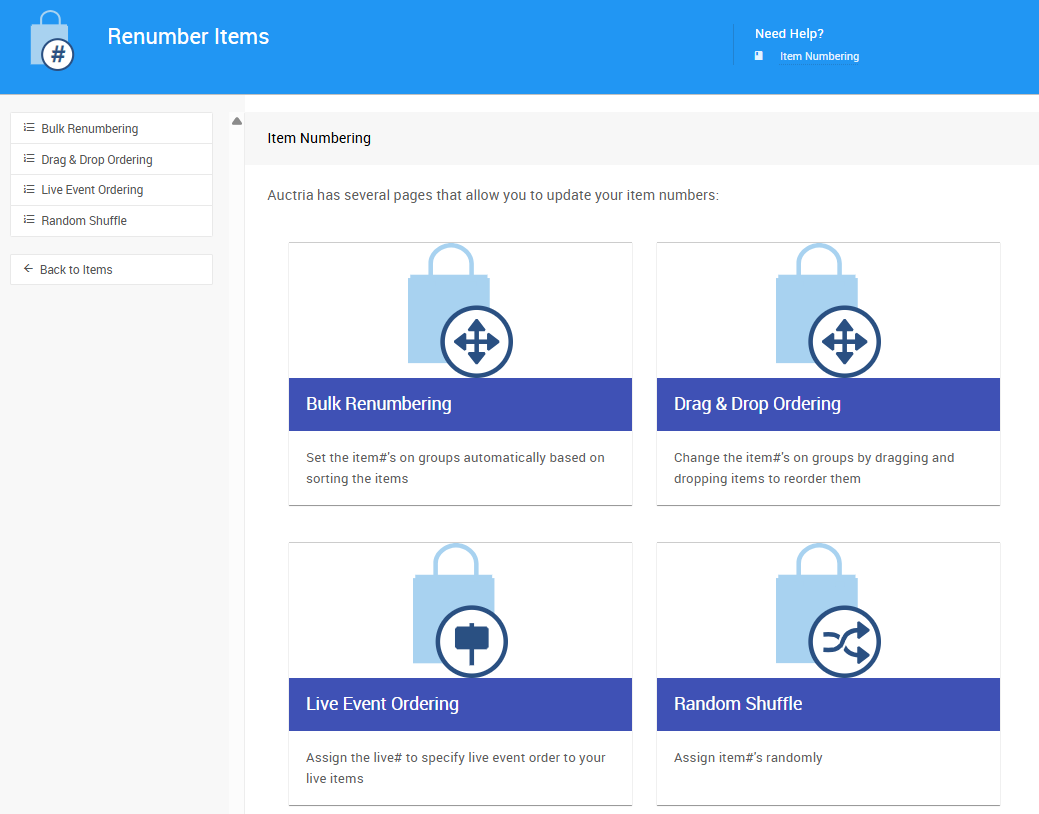
Numbering Options
| Feature | Description |
|---|---|
| Bulk Renumbering | Automatically assign item numbers to a group of items based on sorting criteria such as item type, category, or title. Supports rounding rules for structured numbering schemes. |
| Drag and Drop Ordering | Manually reorder biddable items by dragging and dropping them into your preferred sequence, then assign numbers based on that order. |
| Live Auction Ordering | Assign live numbers to your Live Bidding type items to control the order they are presented during the live portion of your event. |
| Random Shuffle | Randomly assign item numbers across your selected items. The resulting order can be fine-tuned with drag and drop before saving. |
| Set Next Item Number | Set the starting value for the next automatically generated item number when adding new items. |