
Add new For Sale items to your event from the Sales Dashboard.
Use this page to create For Sale items: fixed-price items that aren't part of your auction catalog. Think of things like wine pull tickets, drink tickets, snacks, or swag.
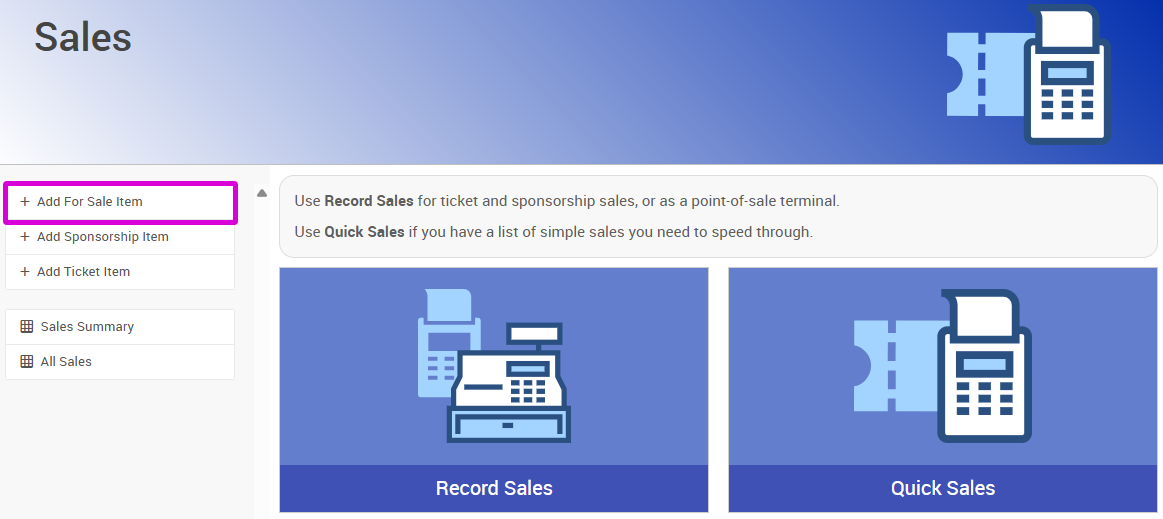
An example from a demonstration event.
Adding a different item type?
If you're adding admission tickets, sponsorships, or raffle tickets, use their dedicated pages instead:
Steps
- From the Sales Dashboard (left sidebar, Sales), click Add For Sale Item.
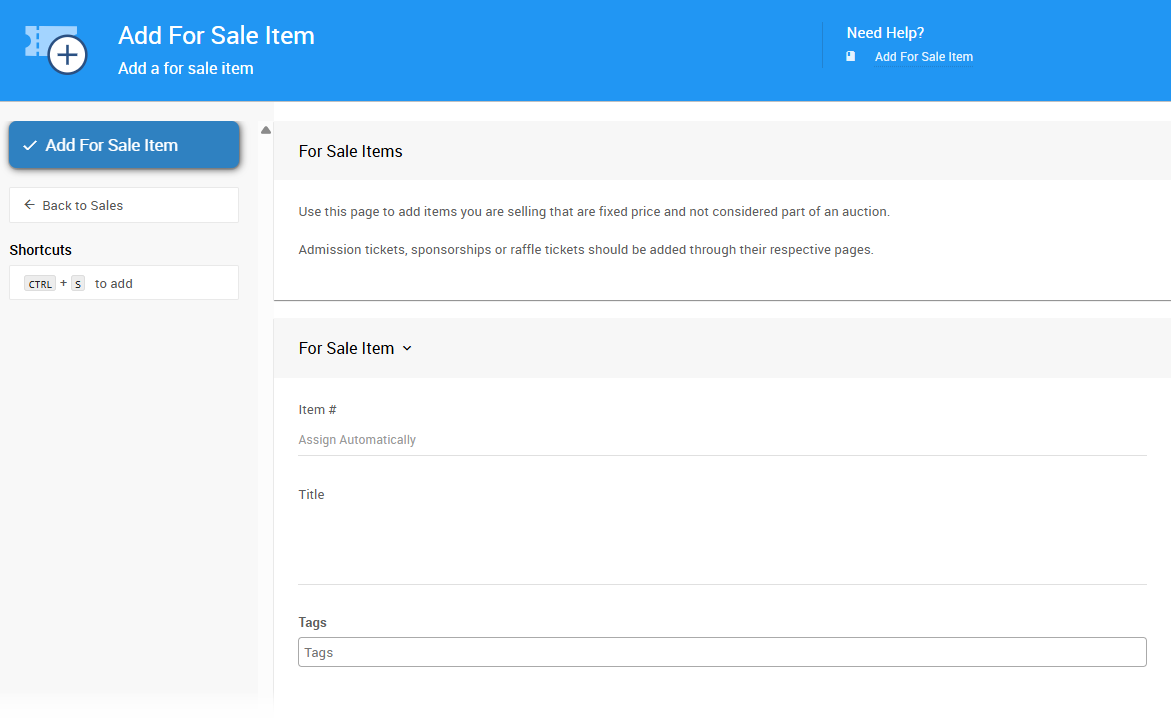
An example from a demonstration event.
- Enter the item's Title.
- Enter the Value.
- If applicable, enter the Quantity available for sale.
- Click Add For Sale Item to complete the action.