
Learn how to use the Text Options page to manage how participants register by text and the messages they receive.
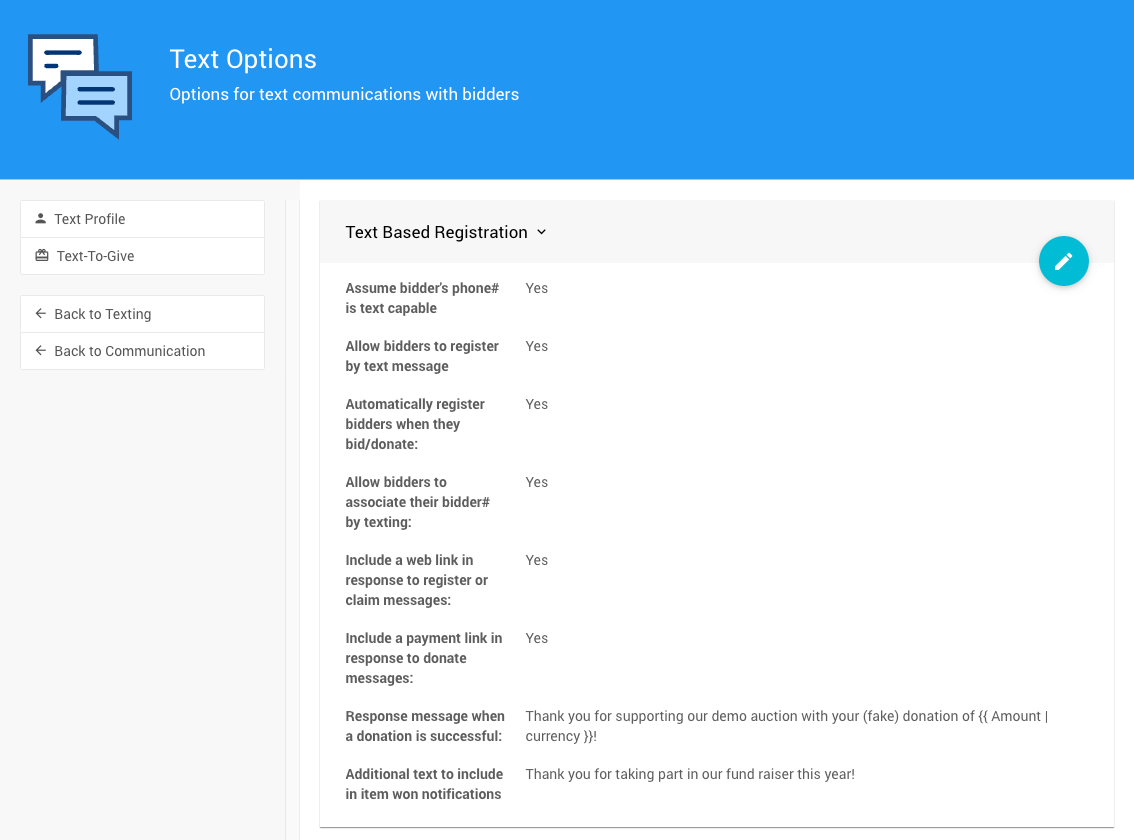
The Text Options page from a demonstration event.
Text Based Registration
This section manages the options for participants registering by text message. It also manages the messages sent with successful donation and item won notifications.
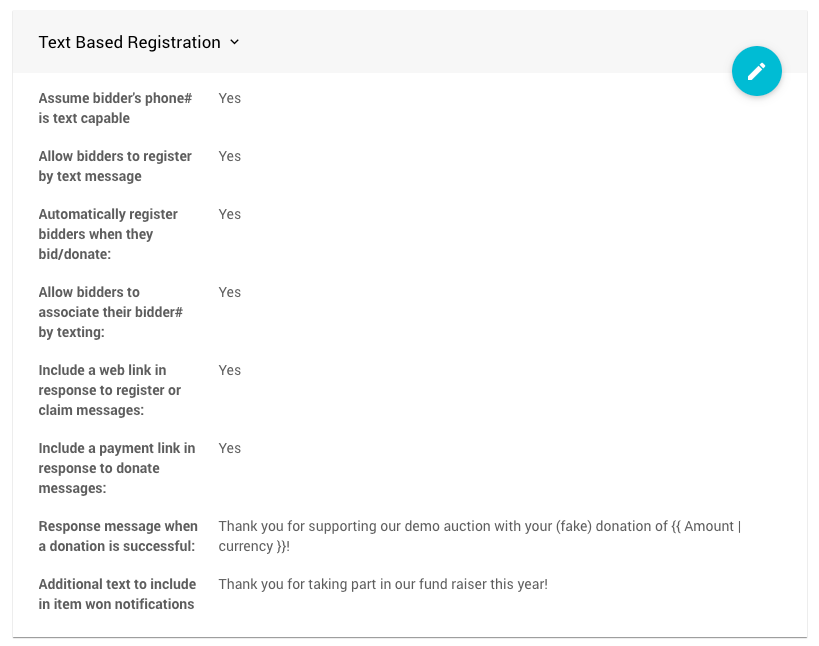
The Text Based Registration options from a demonstration event.
Assume participant's phone# is text capable
A participant can have a phone# and a cell phone# set.
- Enabled: Texts are sent to the participant's phone# if no cell phone# is specified.
- Disabled: Only participants with a cell phone# set receive text messages.
Allow participants to register by text message
When this option is enabled, participants can register by texting register <name> to the auction phone number. They replace <name> with their name.
Automatically register participants when they bid/donate
When this option is enabled, participants are registered automatically if they bid or donate to the auction by text message.
Participant Records Created by Text
In these cases, the participant record only has the cell phone number listed. The participant's details need to be updated afterward, either by the participant on the auction website or by an organizer.
Allow participants to associate their Paddle# by texting
When this option is enabled, participants can associate their cell phone with their Paddle# by texting either of these to the auction phone number:
claim <Paddle#>, replacing<Paddle#>with their actual Paddle#.claim <email>, replacing<email>with the email they registered with.
Include a web link in response to register or claim messages
When this option is enabled, the response to a participant's register or claim text automatically includes a web link and access code.
Include a payment link in response to donate messages
When this option is enabled, a payment link is automatically added so participants can pay online. This adds a pay at <link> part to the donation response message. It requires credit card processing to be enabled.
Notification Messages
Response message when a donation is successful
Specify how the system responds to someone texting in a donation. You can modify the default message to some extent.
Thank you for supporting our demo auction with your (fake) donation of {{ Amount | currency }}!
An example from a demonstration event. Update the message to suit your event.
Placeholders (Advanced)
You can use placeholders, like {{ Amount | currency }} in the example above, with these text notifications.
Additional text to include in item won notifications
Specify the additional text sent with the text message version of the Item Won Notification. You can modify the default message to some extent.
Thank you for taking part in our fund raiser this year!
Add a Payment Link to Item Won Messages
To enable or disable adding a pay at <link> part to this message, see Online Bidding | Notifications. This option is enabled by default.