
Automatically generate descriptions for your Basket items using a customizable template.
The Set Basket Descriptions function generates descriptions for your Basket items using a customizable template.
To open the dashboard, click Items (left sidebar, Details) Baskets & Packages Set Basket Descriptions.
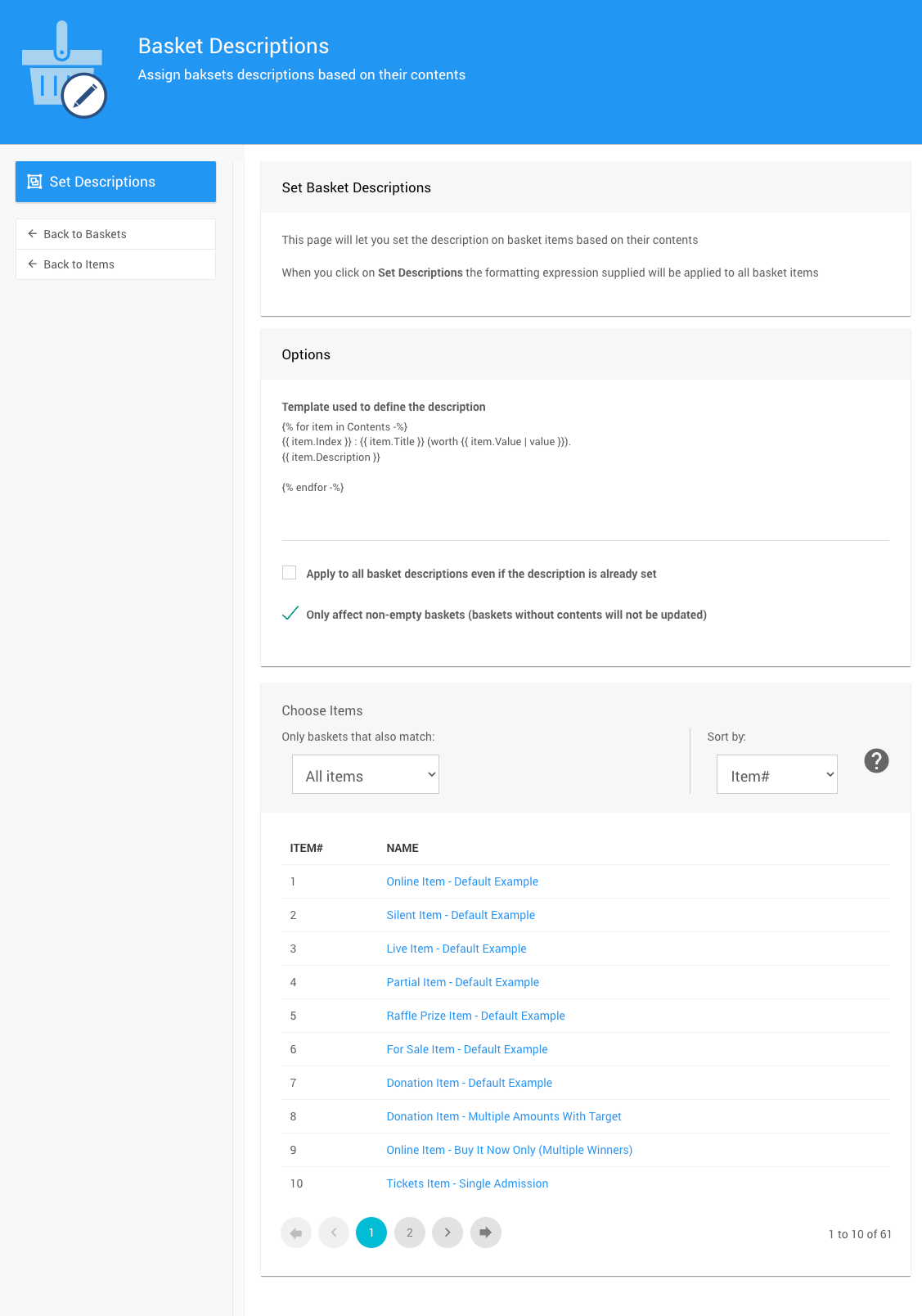
An example using default settings from a demonstration event.
This Operation Can Overwrite Existing Descriptions
Depending on the options selected, this function may overwrite existing Basket item descriptions. This cannot be undone — review your settings carefully before proceeding.
Options
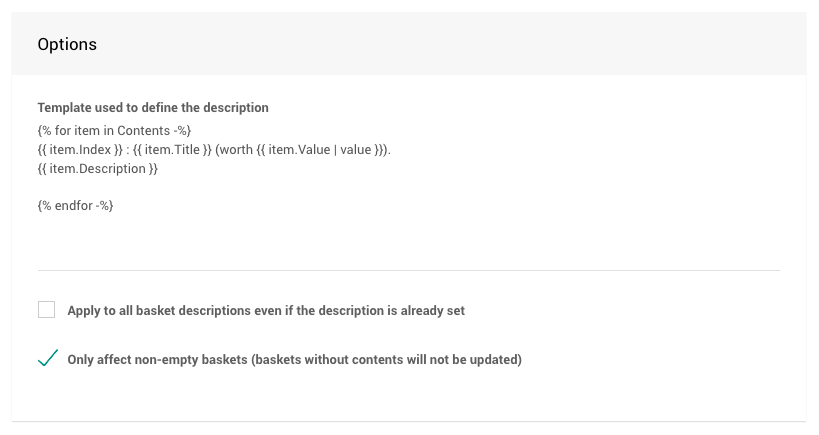
The Options section provides a default template and two settings that control how it is applied.
The template uses Liquid placeholders to structure the description. See Baskets & Forms for additional template examples.
| Option | Default | Description |
|---|---|---|
| Apply to all basket descriptions even if the description is already set | Off | When enabled, the template will be applied to all basket items, replacing any existing descriptions. |
| Only affect non-empty baskets | On | When enabled, the template will only be applied to basket items that have contents. Baskets without contents will not be updated. |
Choose Items
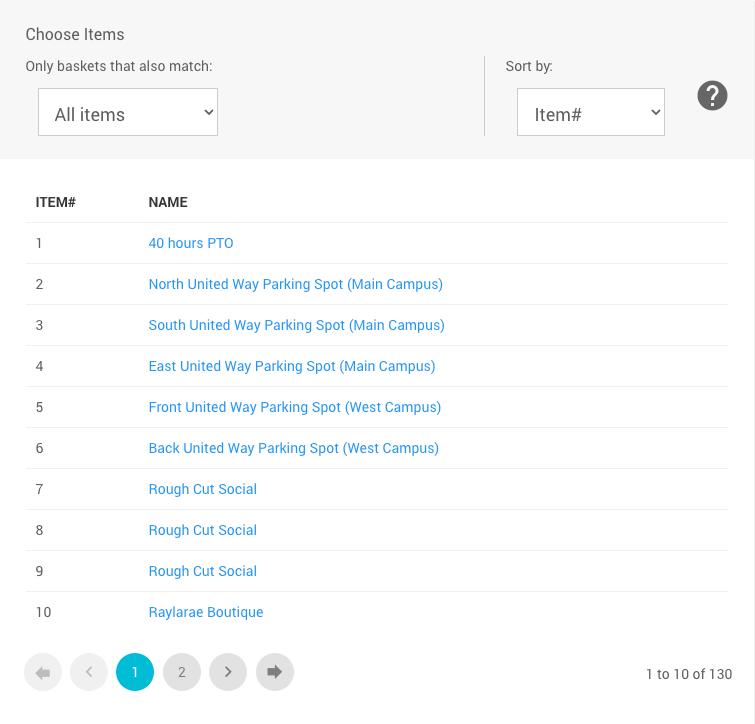
An example showing the Choose Items filters available for this operation.
Use the Choose Items section to filter which basket items the function will be applied to. See Choose Items Filters and Choose Items Sort for more details.
Applying the Descriptions
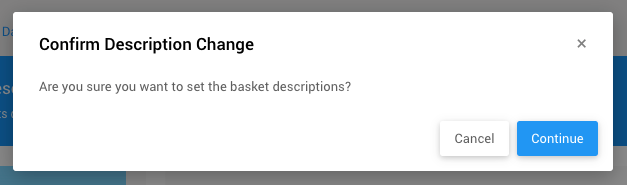
Once you're satisfied with the template, options, and item selection, click Set Descriptions in the Actions sidebar. A confirmation window will appear.
Overwriting Descriptions Cannot Be Undone
This operation may overwrite existing Basket item descriptions. Click Continue to proceed or Cancel to go back and review your settings.