
Add new admission Ticket items to your event from the Sales Dashboard.
Use this page to create items to represent admission tickets for your event. This includes sponsorship items that come with admission tickets.
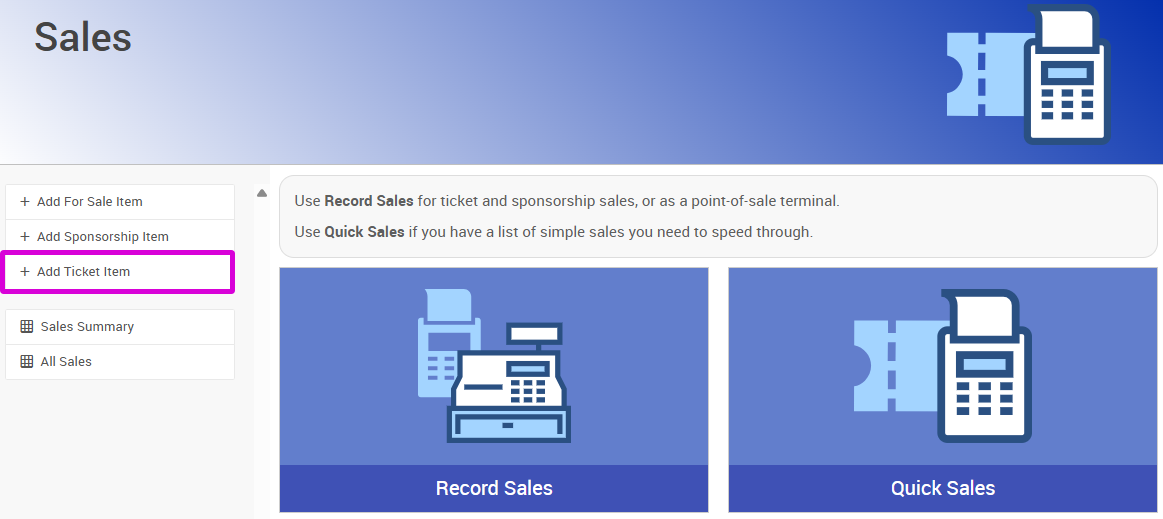
An example from a demonstration event.
Admission tickets only
Only create ticket items for event tickets or whole tables. Don't use this page for raffle tickets or drink tickets that don't represent admission to the event.
Steps
- From the Sales Dashboard, click Add Ticket Item.
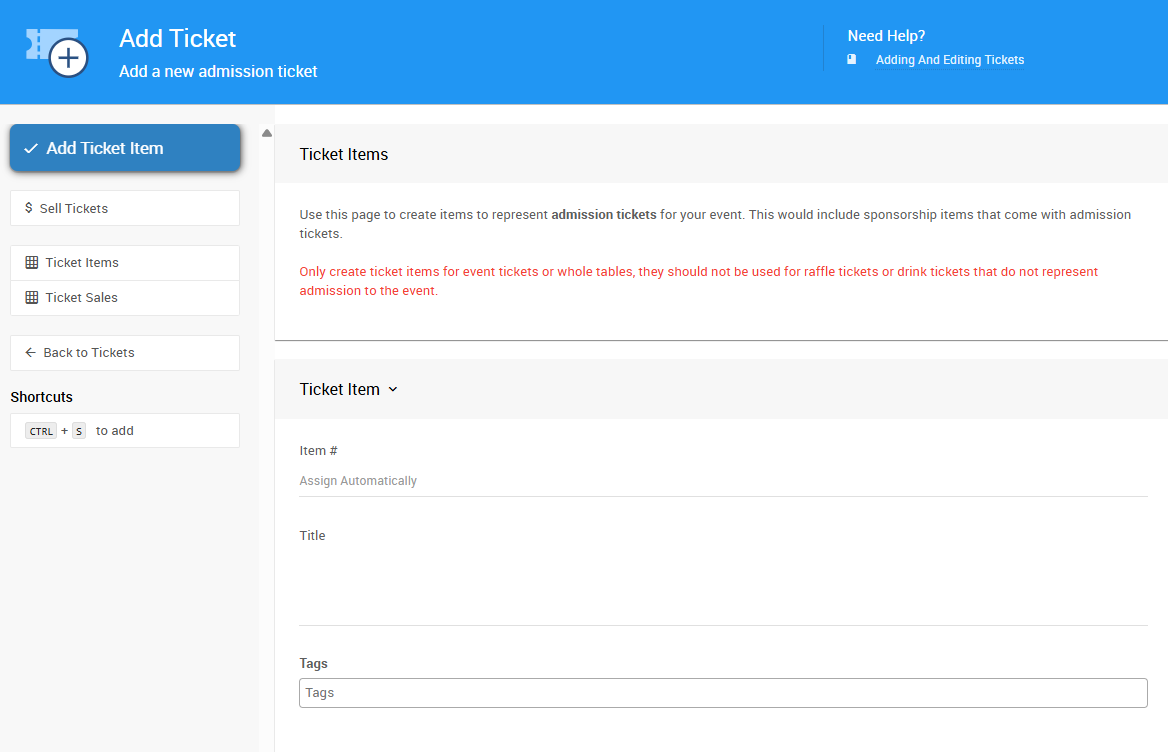
An example from a demonstration event.
- Enter a Title.
- Enter a Description.
- Enter the Value.
- Enter the number of tickets included in this purchase in the Tickets Per Sale field.
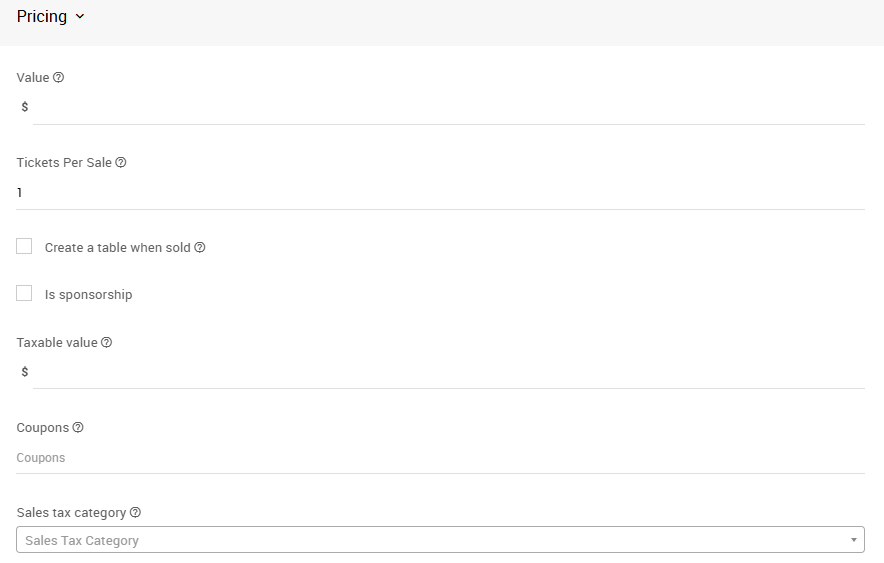
An example from a demonstration event.
- Click Add Ticket Item to complete the action.