
Learn how to use the Text Settings page to view your event's texting phone number and credits, and to manage your texting options.
Once texting is set up, the Text Settings page gives you an overview of your Text Messages phone number, text credits, and registration options.
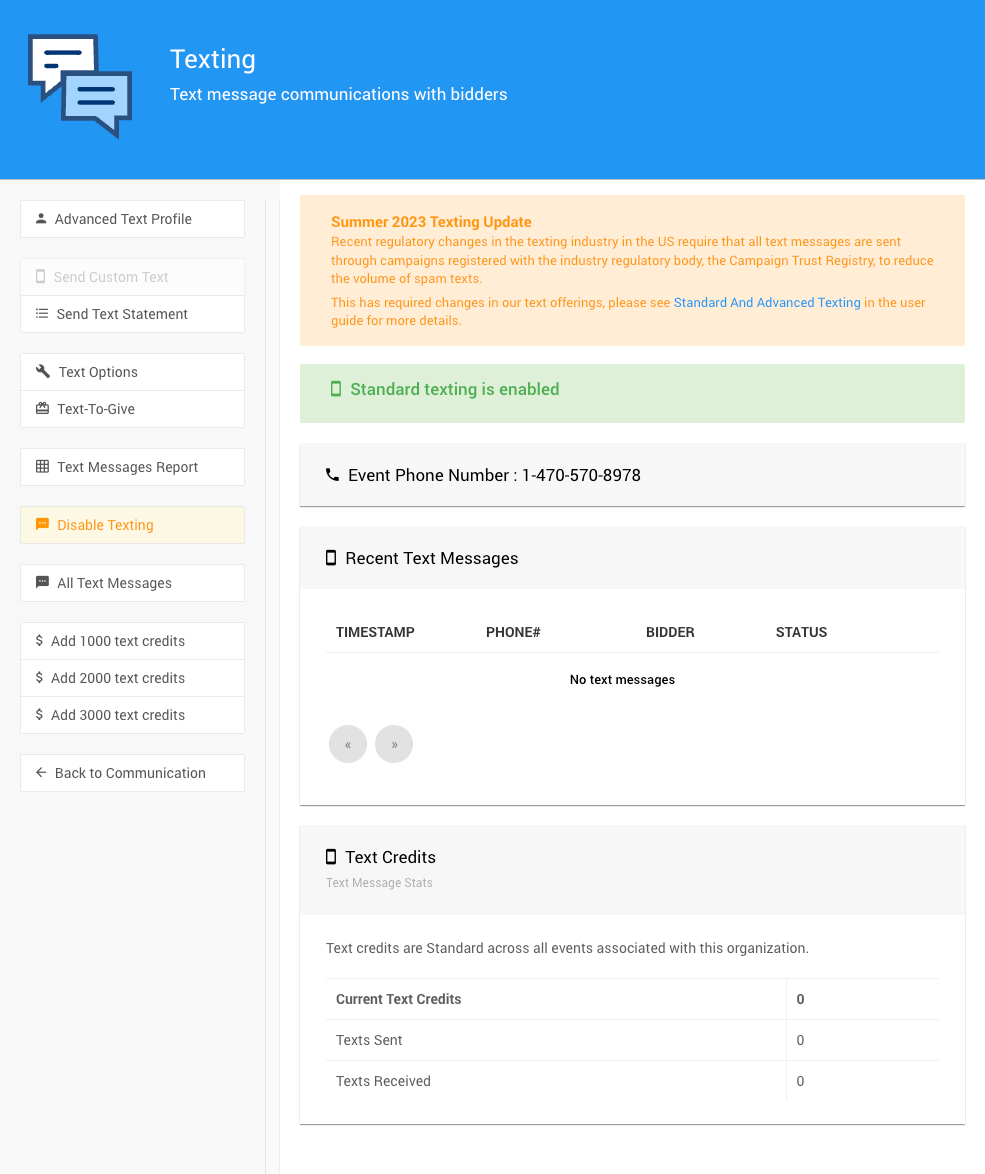
The Text Settings page from a demonstration event.
Event Phone Number
This is the phone number used to send and receive text messages for your event. If you're not using the Standard Texting feature set, see How To Set Up Advanced Texting for more information.
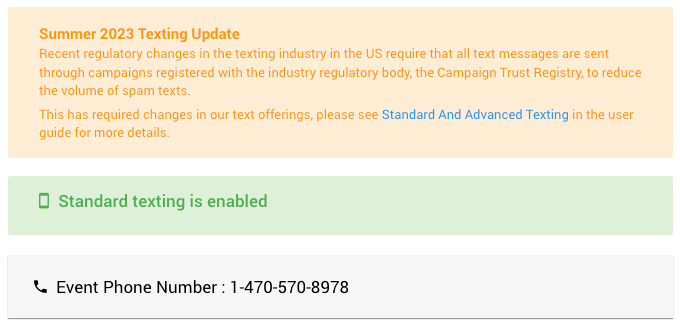
The Event Phone Number from a demonstration event with Standard Texting enabled.
Advanced Texting Phone Numbers
An Advanced Texting phone number is associated with a single event at a time. However, it can be used for any event managed by your organization.
Text Credits
Text credits are shared across all events associated with your organization. This section summarizes your Current Text Credits, Texts Sent, and Texts Received.
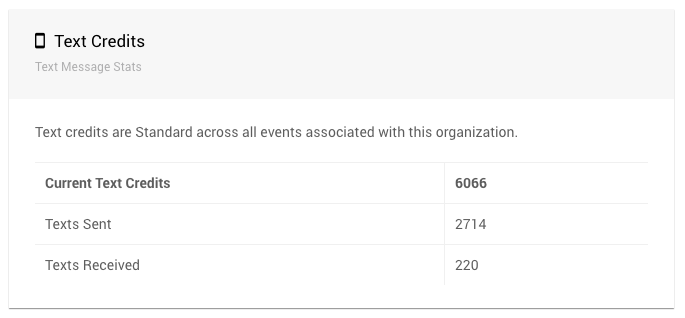
The summary of text credits used.
For more about how credits are used, see Understanding Text Credits.
Text Settings Sidebar
The page sidebar includes these options:
| Option | Description |
|---|---|
| Advanced Text Profile | Takes you to the Advanced Texting Profile dashboard. |
| Send Custom Text | Opens the Send Custom Text page. This option is only available with Advanced Texting. |
| Send Text Statement | Opens the Text Statements page. |
| Text Options | Opens the Text Options page. |
| Text-To-Give | Takes you to the Text-To-Give dashboard. |
| All Text Messages | Opens the Conversations report showing text messages. You can also find this report under Reports → Participant → Text Messages. |
| Disable Texting | Disables texting for this event. |
| Add 1000 text credits, Add 2000 text credits, Add 3000 text credits | Takes you to the Auctria online store, pre-populated with the details for the number of credits you chose. |
| Back to Communication | Returns to the main Communication dashboard page. |