
Find Item Donors with duplicate names and merge them, so each donor has a single record across your organization's events.
How Did I Get Here?
From the main event dashboard, click Items → Item Donors → Item Donor Maintenance.
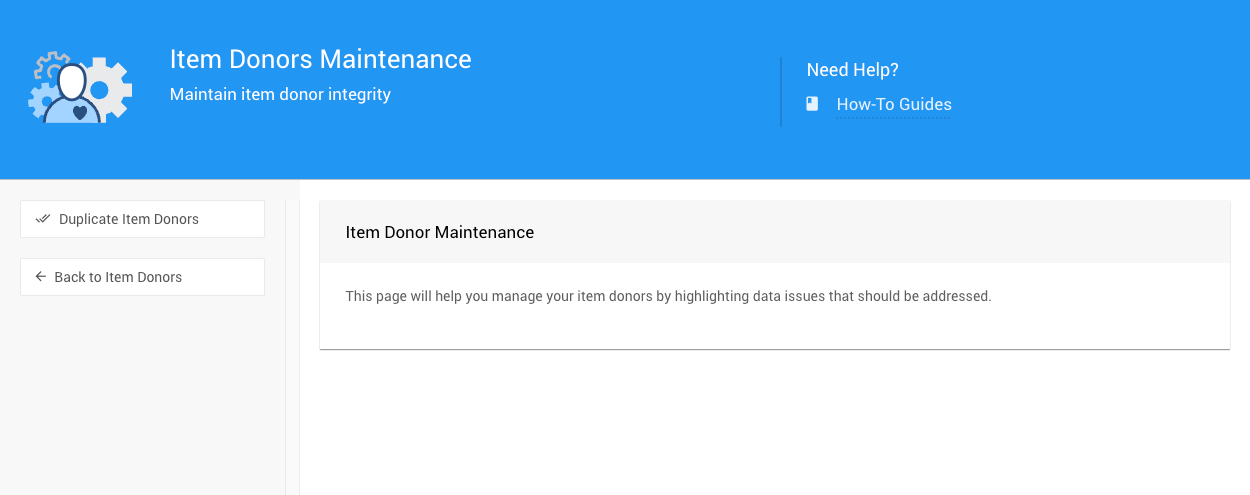
An example Item Donor Maintenance page from a demonstration event.
Duplicate Item Donors
Click Duplicate Item Donors in the sidebar to open the Item Donor Maintenance: Duplicate Donors page.
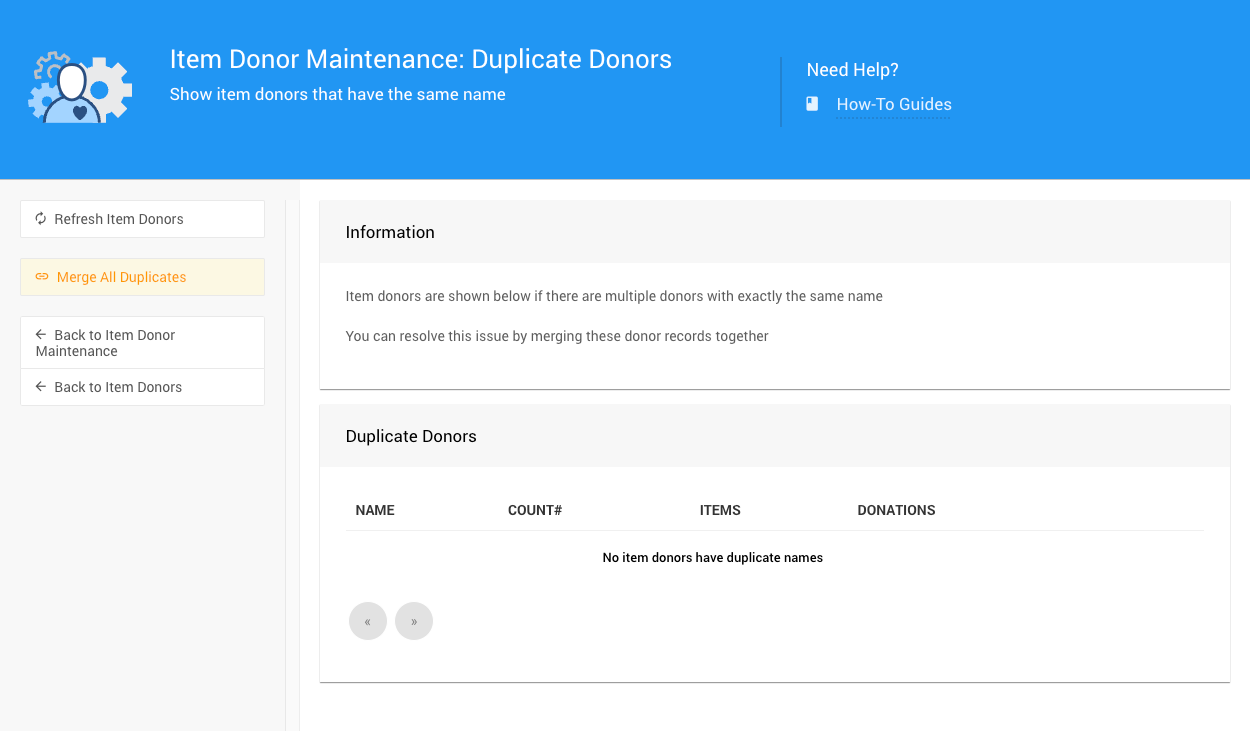
An example from a demonstration event.
This page lists Item Donors whose name matches another Item Donor's name exactly.
| Column | Description |
|---|---|
| Count# | How many Item Donor records share the name. |
| Items | How many items those records have between them. |
| Donations | How many in-kind donations those records have between them. |
Merging Affects Every Event
Item Donors are shared across all of your organization's events, so merging them affects every event.
The sidebar has two actions:
| Action | Description |
|---|---|
| Refresh Item Donors | Reloads the list. |
| Merge All Duplicates | After you confirm, merges each group of same-name Item Donors into a single record. All of their items and donations move to the remaining record. |
To merge only one pair of Item Donors, open one of them and use Merge Donors on its Actions page.