
Charge shipping and handling yourself, with a For Sale item, when the built-in shipping features don't fit your event.
Auctria's Shipping features let you set default event fees, maximum shipping amounts, and per-item shipping fees. If your delivery methods need something different, you can charge shipping and handling yourself.
Step 1: Create A Shipping And Handling Item
Add one or more For Sale items for your charges, such as Shipping, Handling, S&H, or Delivery.
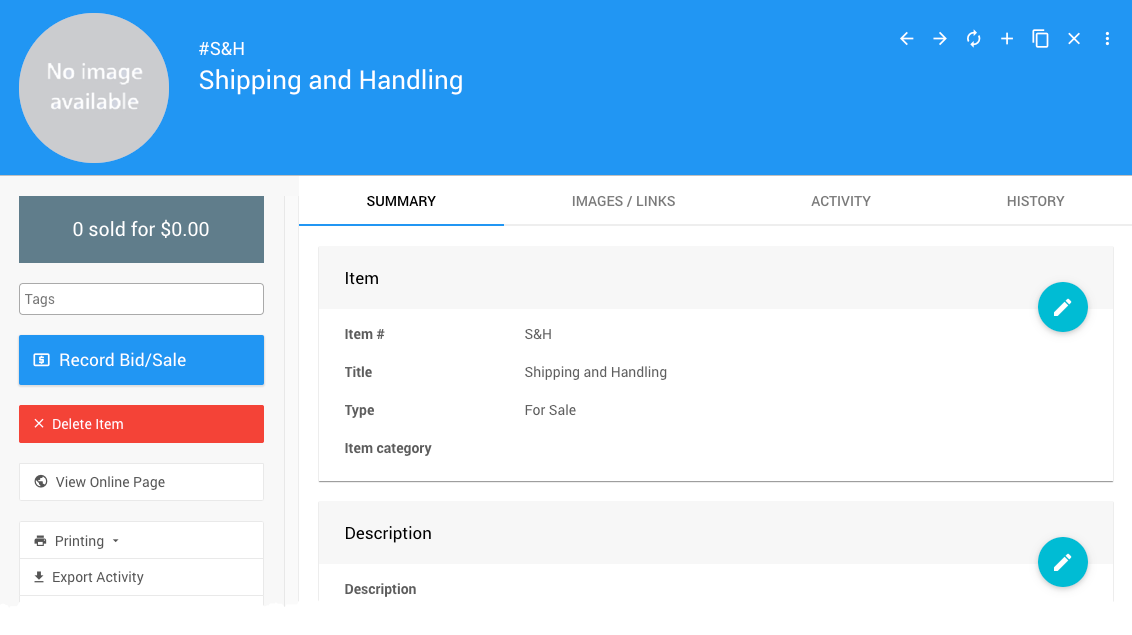
An example from a demonstration event.
- If the charge varies, leave Value empty. You'll enter the amount when you record the sale.
- If the charge is fixed, enter it in Value. You can still change it on each sale.
These charges appear under Purchases on Participant Statements.
Step 2: Charge The Participant
- In the left sidebar of the Event Dashboard, click Sales → Record Sales.
- Select the Others tab and click your shipping item.
- Choose the participant.
- Leave Payment set to None to add the charge to the participant's account. To collect payment now, choose a payment method instead.
- Record the sale.
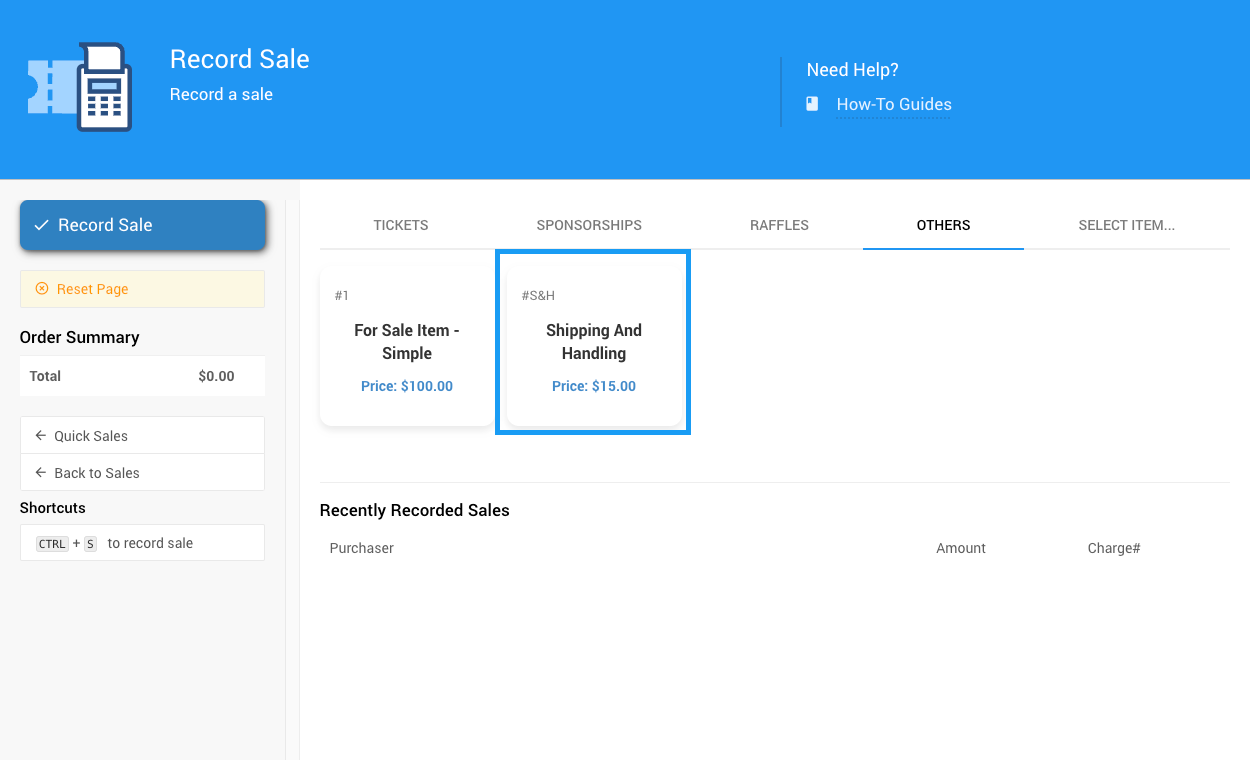
The Others tab on the Record Sales page.
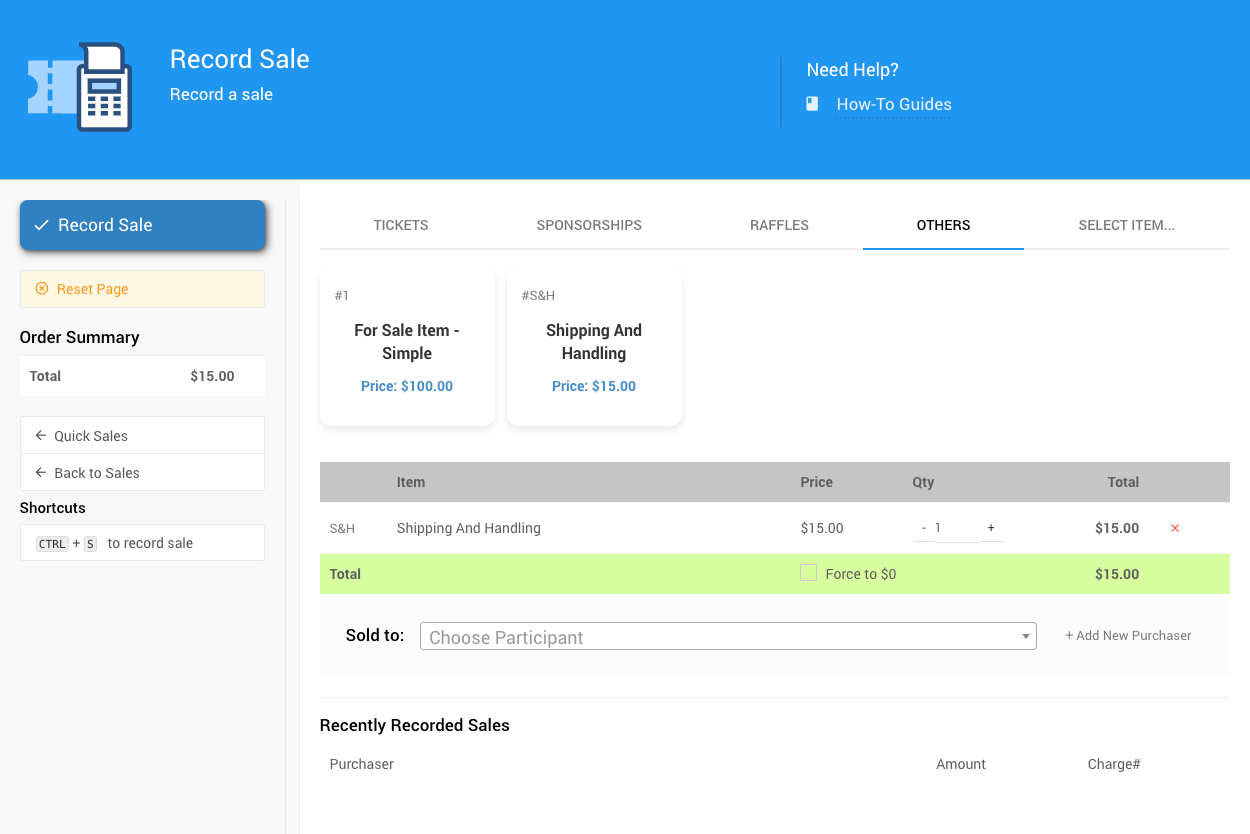
Choose the participant to charge.
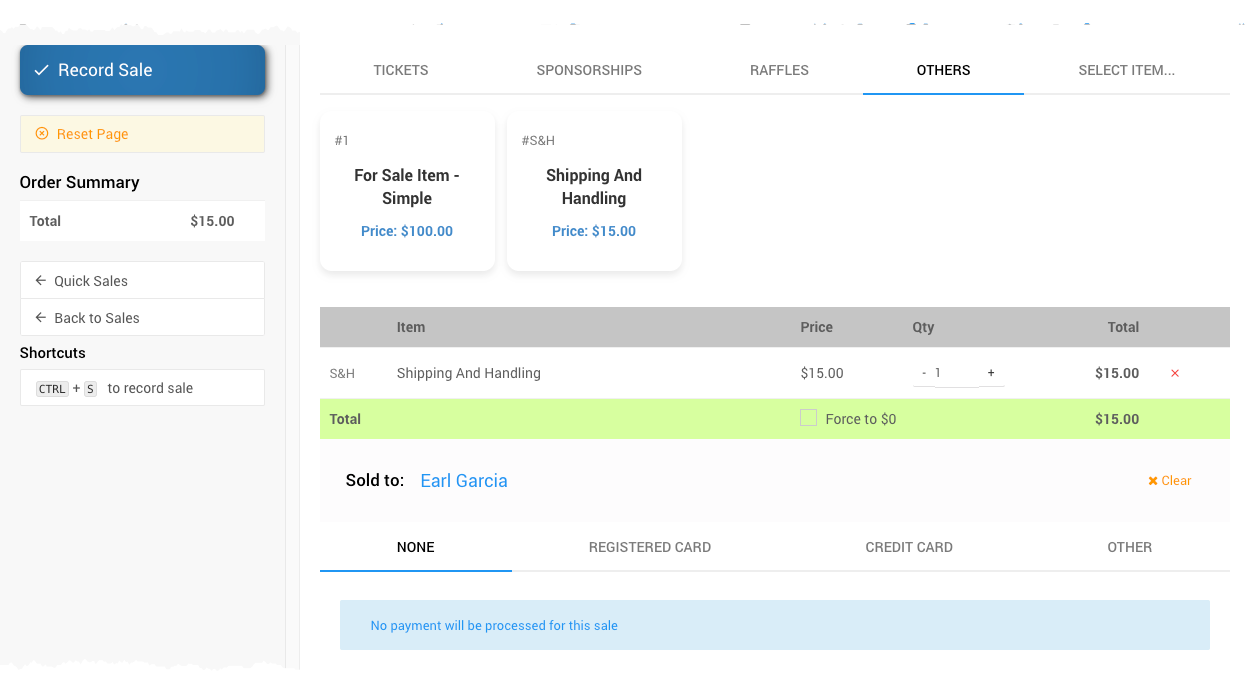
With Payment set to None, the charge goes on the participant's account.
See Sales Dashboard for more about recording sales.
Step 3: Check The Item Won Notification
If credit card processing is turned on, Item Won notifications include a pay-online link by default. A winner who pays from that link before you add shipping will owe a second payment.
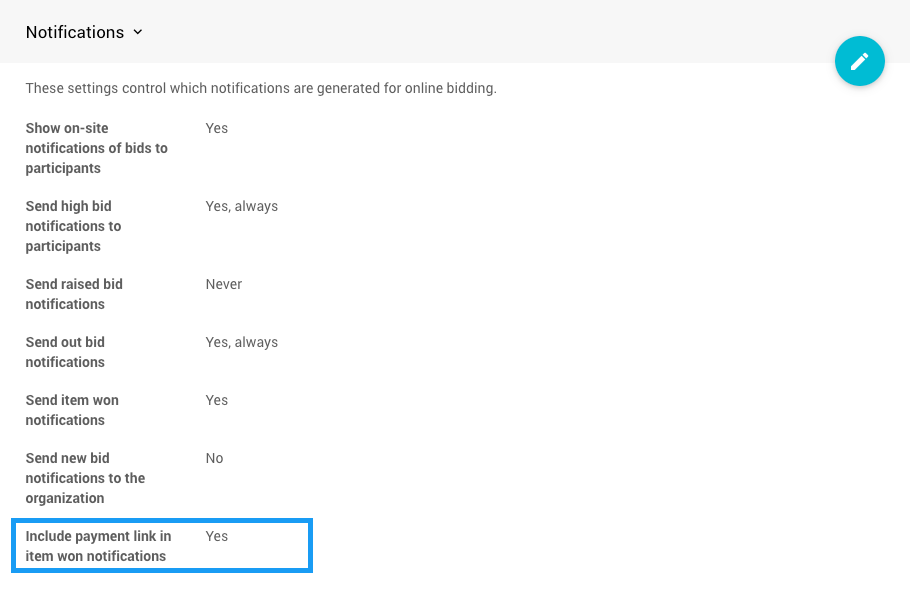
The Include payment link in item won notifications setting.
To have winners pay once, for the full amount:
- Turn off Include payment link in item won notifications in Online Bidding Settings.
- After you add shipping, send Participant Statements. Statements include a pay-online link by default.
This setting only works when credit card processing is turned on.
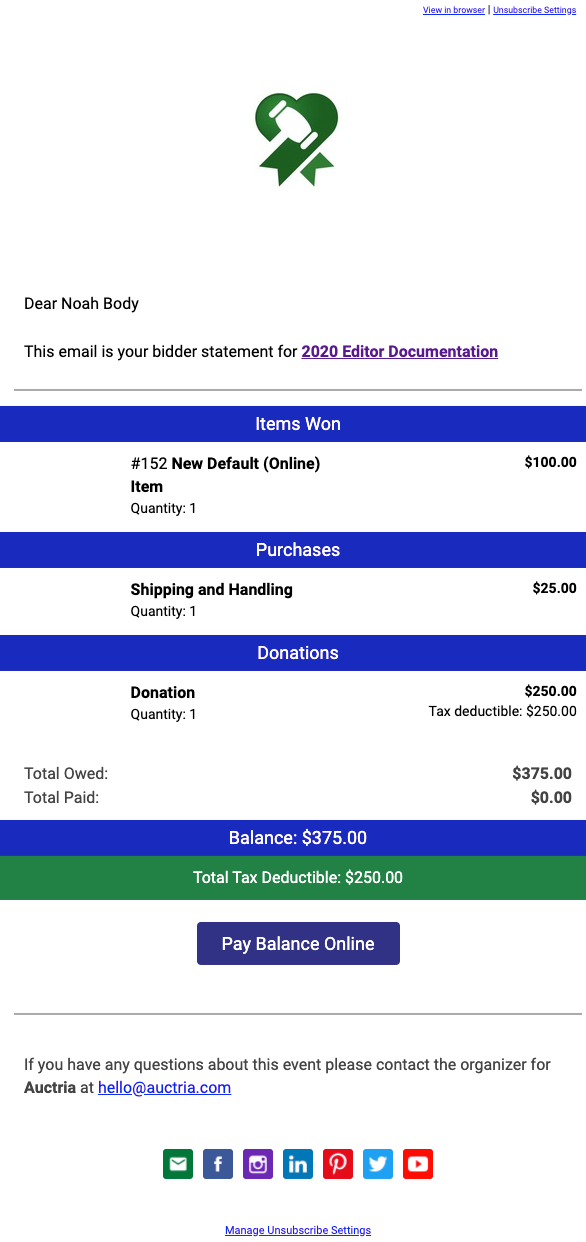
An example Statement email preview.