
Split a winning bid between several participants from the Checkout page.
Sometimes guests want to share the cost of an item at checkout. You can split the winning bid from the Checkout page.
Steps
- In the left sidebar of the Event Dashboard, click Checkout.
- Select the participant who won the item.
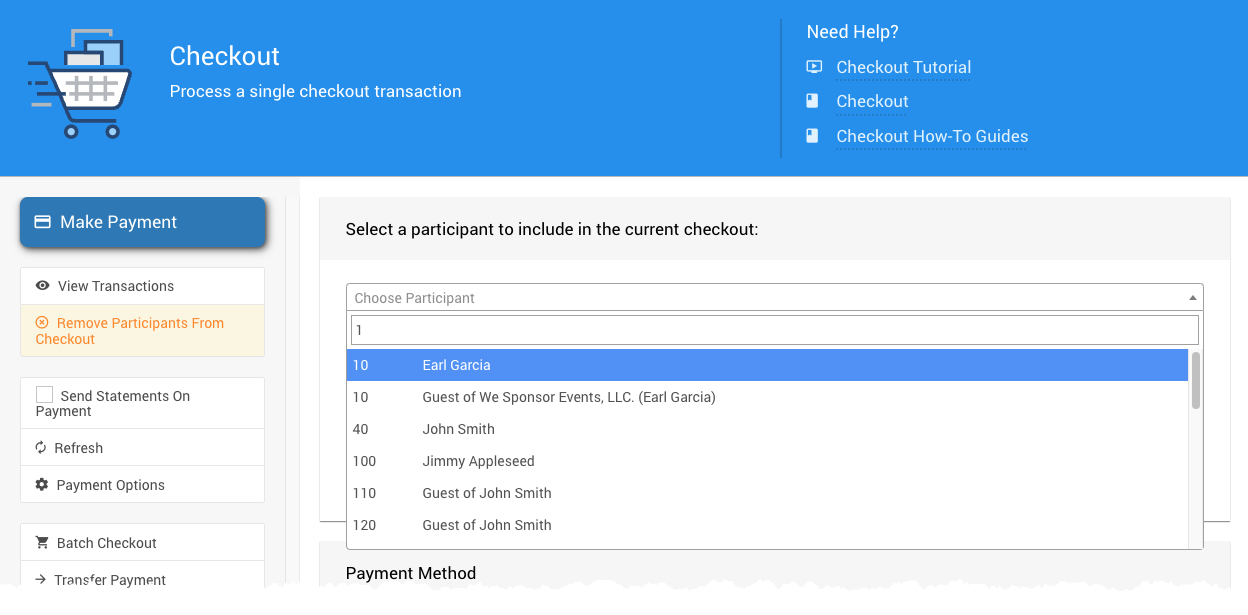
Select the participant who won the item.
- In the sidebar, click View Transactions.
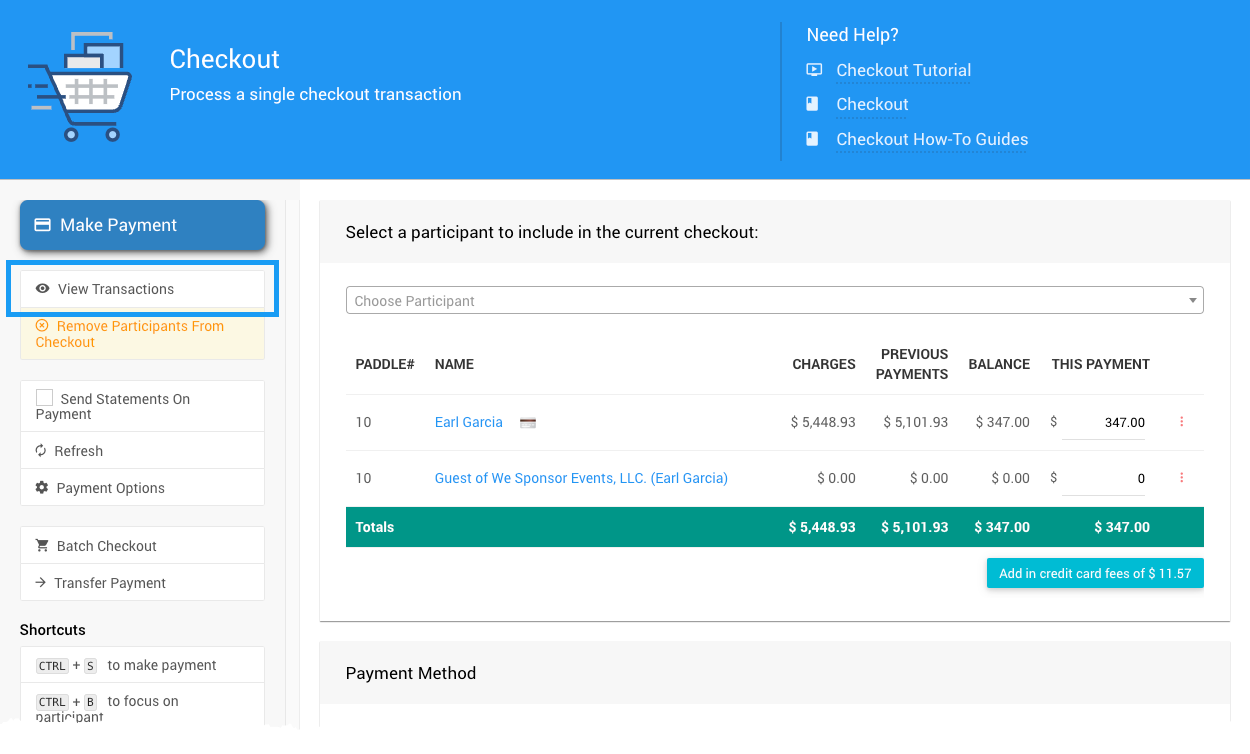
The View Transactions button.
- Click the split icon beside the bid you want to split, and complete the split.
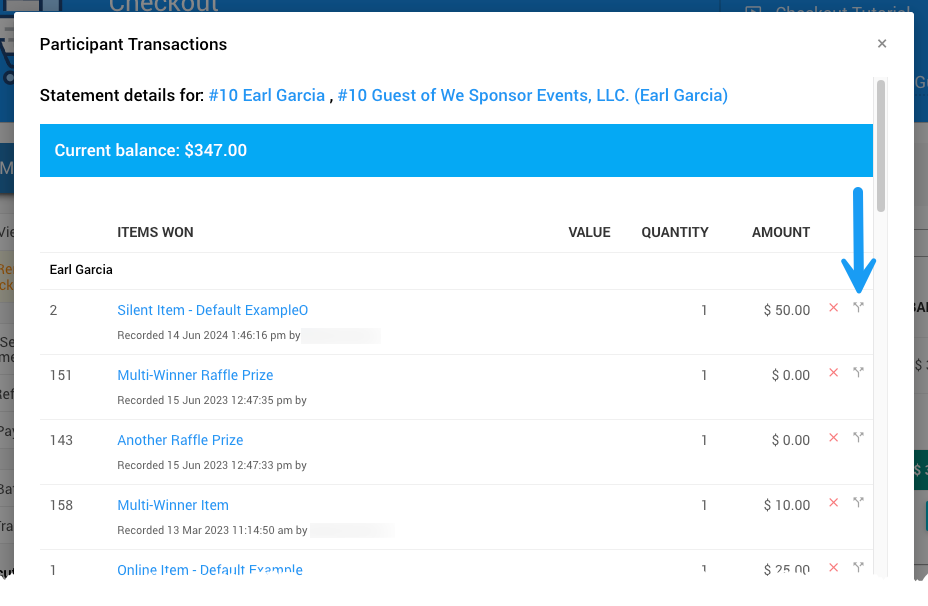
Click the split icon beside the bid.
- Click Checkout to return to the Checkout page. The same participants are still selected.
See Split Bid for more about how splitting works.