
Learn how to print a Live Reporting Sheet for recording live auction bids during your in-person event.
How Did I Get Here?
From the main event dashboard, click Printing, then click the Live Reporting Sheet block in the Printable Forms & Documents section.
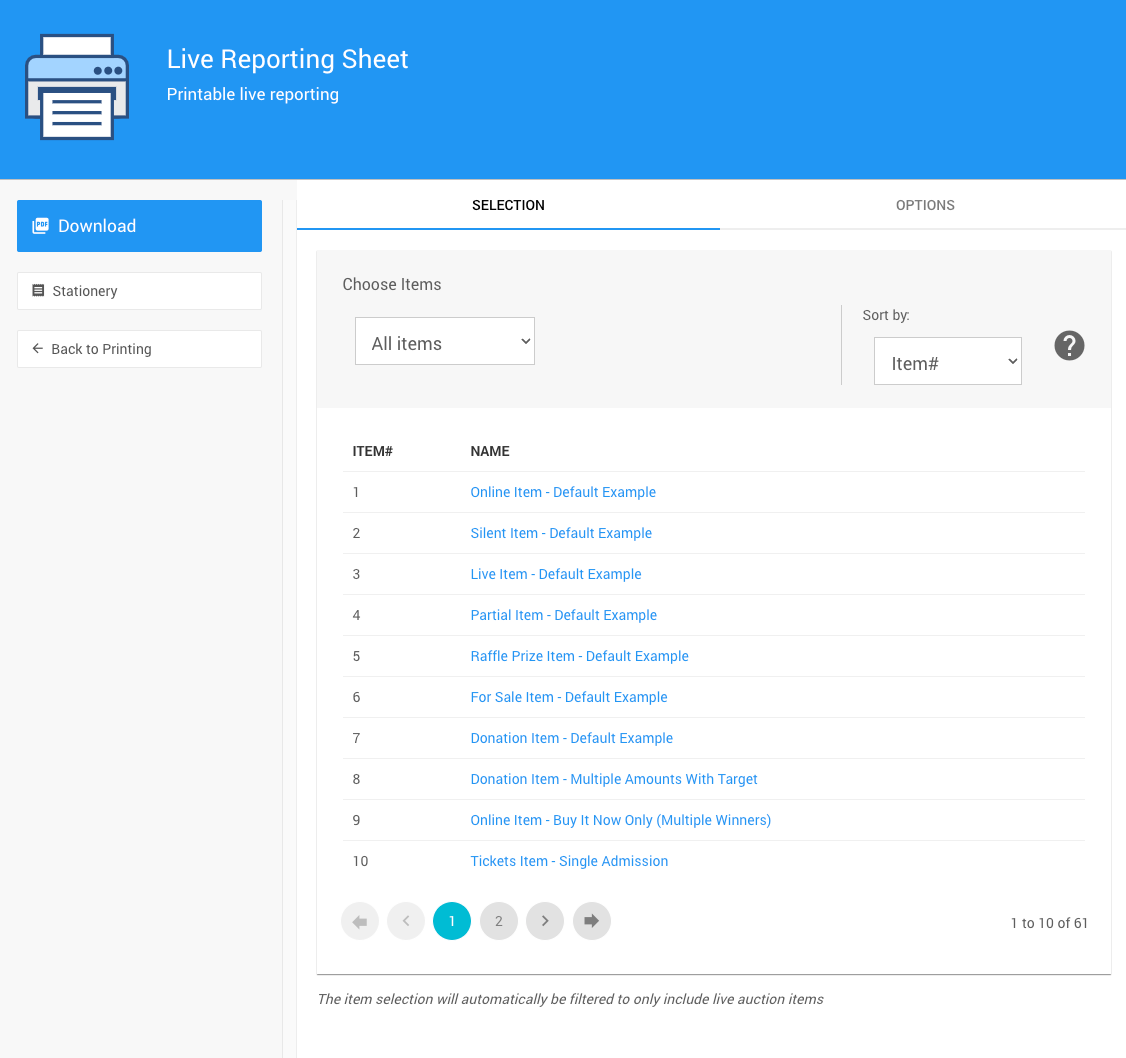
An example Live Reporting Sheet page from a demonstration event.
Selection
The Selection tab lists the items that will be included on the sheet. Use the drop-down selector to filter the list. See Choose Items Filters.
Live Items Only
The Live Reporting Sheet only includes items with the Live item type. See Item Types.
Options
The Options tab has one setting, in its Item Information panel.
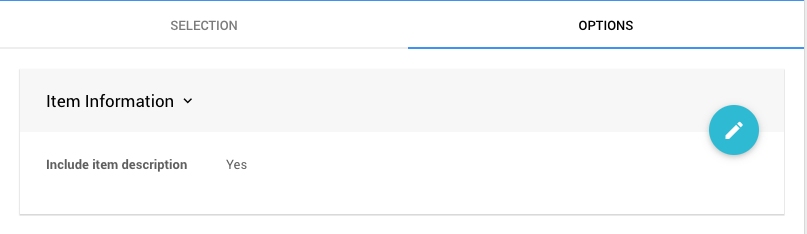
An example Options tab from a demonstration event.
| Setting | Description |
|---|---|
| Include item description | Shows each item's description on the sheet. |
Stationery
The Live Reporting Sheet is printed on your Report stationery, if you have one. See Stationery.