Run Your Event
Now that your event is set up, Auctria makes running your event easy, with seamless options for last-minute tickets and sponsorships, to checking in guests and managing tables.
🎟️ Step 1: Sell Tickets
Auctria gives you multiple ways to sell tickets:
- Guests can purchase them directly from your Event Website.
- Through the Tickets Dashboard if you’re processing ticket sales manually.
- With the Auctria Admin App, perfect for selling at the door and in the room.
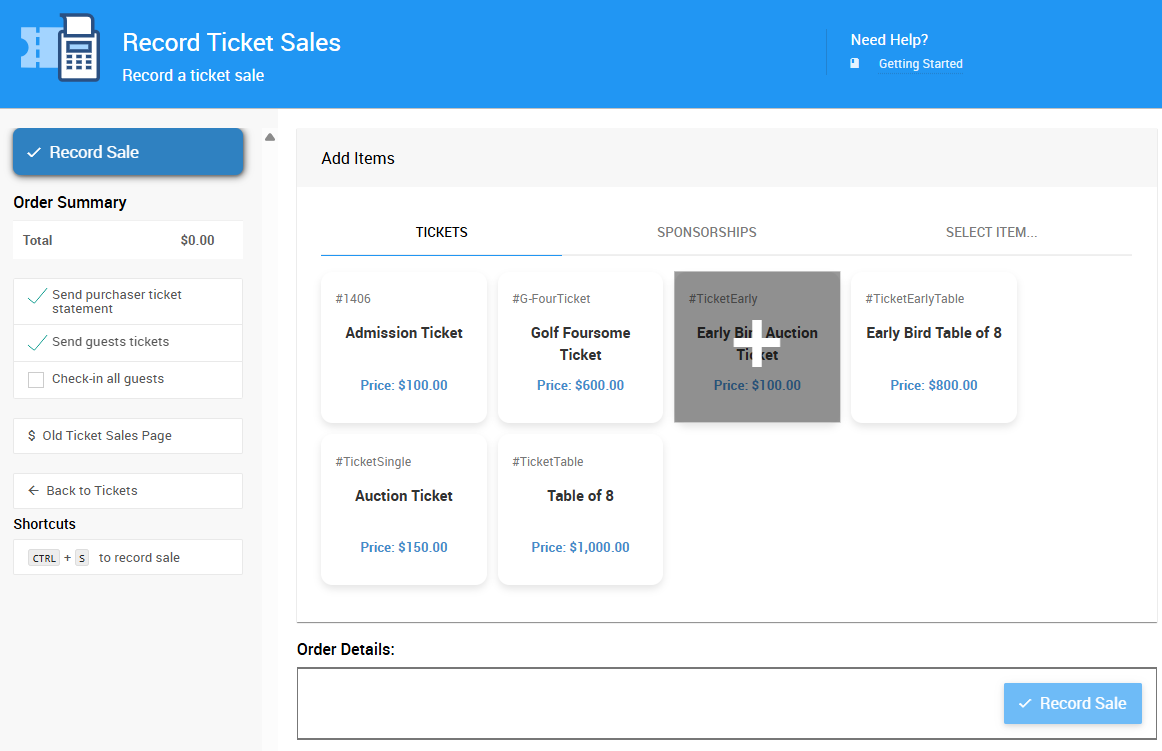
Learn more about Selling Tickets:
👉 Ticket Sales in Auctria
👉 Selling Tickets from Tickets Dashboard
👉 Selling Tickets On-Site with the Admin App
🪙 Step 2: Sell Sponsorships
If you have sponsorship opportunities still available, you can sell sponsorships right up to the start of your event (or even during it).
Here's how to sell sponsorships during the event:
- Online through your Event Website.
- Directly from the Sponsorships Dashboard.
- At the venue using the Admin App.
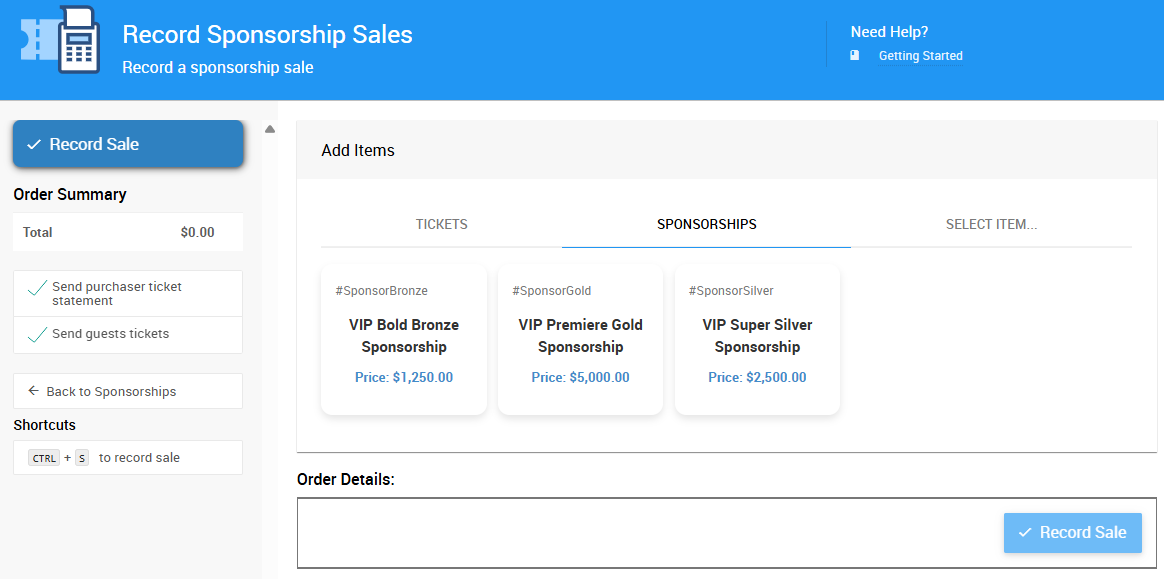
Learn more about Selling Sponsorships:
👉 Introduction to Sponsorships
👉 How to Sell Sponsorships via Dashboard
👉 Selling Sponsorships On-Site with the Admin App
📣 Step 3: Promote Your Event Website
Even on event day, it’s important to keep driving traffic to your event website — especially if you’re running an online auction or virtual fundraiser.
Quick reminder: Make sure you’ve added social media links to your website so guests can easily share your event!
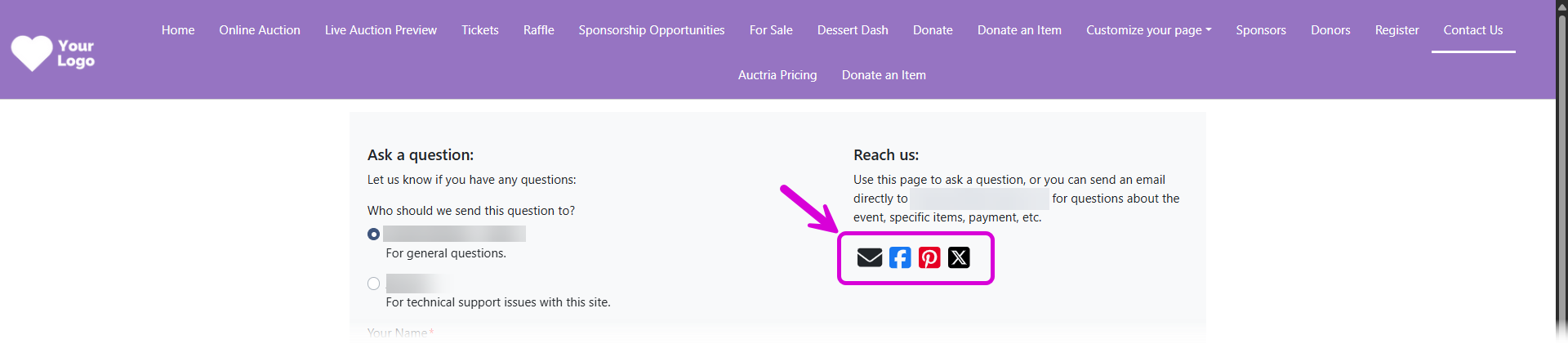
👉 Learn how to Share Your Event on your event website.
👥 Step 4: Manage Table Assignments
If your event includes seating, you can use Auctria’s Tables feature to assign guests to tables and make adjustments on the fly. This makes check-in easier and ensures everyone knows where to go.
You can access Tables by clicking through Participants (left sidebar) Tables.

🍽️ Catering
Auctria's Catering feature allows admins or power users to adjust meal choices and dietary restrictions at Check-in.

To open the Catering dashboard, go to Participants (left sidebar) Catering.
👉 Learn more about how to Set Up & Manage Tables for your event.
✅ Step 5: Check-In Your Guests
A smooth check-in process sets the tone for a great event. Auctria offers several ways to handle check-in, so you can choose what works best for your team and your guests.
Your Check-In Options
- Organizer Check-In — Use the Check-In Dashboard or Admin App to check in guests.
- Self Check-In — Allow guests to check themselves in from their mobile devices.
- On-Site Assistance — Use the Admin App for quick lookups and walk-in registrations.
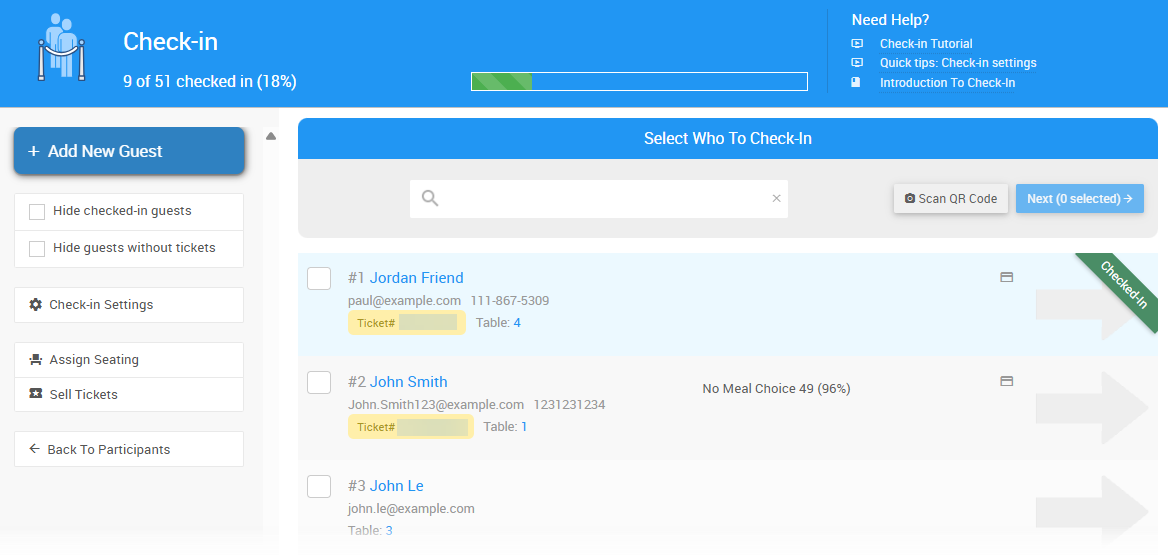
Learn more about Auctria Check-In:
👉 Check-In Overview
👉 Organizer Check-In Process
👉 Set Up Self Check-In
👉 Using the Admin App for Check-In
👉 Self-Check-In (Participant View)
Pro Tip! Bookmark Auctria Admin App
Bookmark the Auctria Admin App so you have quick access during the event.
Final Tips
✅ Designate a few event-day tech helpers who can access Auctria’s Admin App to sell tickets, look up guests, or answer last-minute questions.
✅ Print a few QR codes linking directly to your event website so guests can register and browse items right from their phones.
👉 See our Day-Of Training page for videos to help out on event night!
What's Next?
After your event, all that's left is to close out!
Last reviewed: November 2025